
See Jobsite Photos on a Interactive Map
Turn scattered site photos into a clear, location-based view—so you always know where work happened.Turn scattered site photos into a clear, location-based view—so you always know where work happened.



Trusted by 3.7M field pros and teams from


.webp&w=3840&q=75)








Key Feature: Map Based Jobsite Photo Visualization
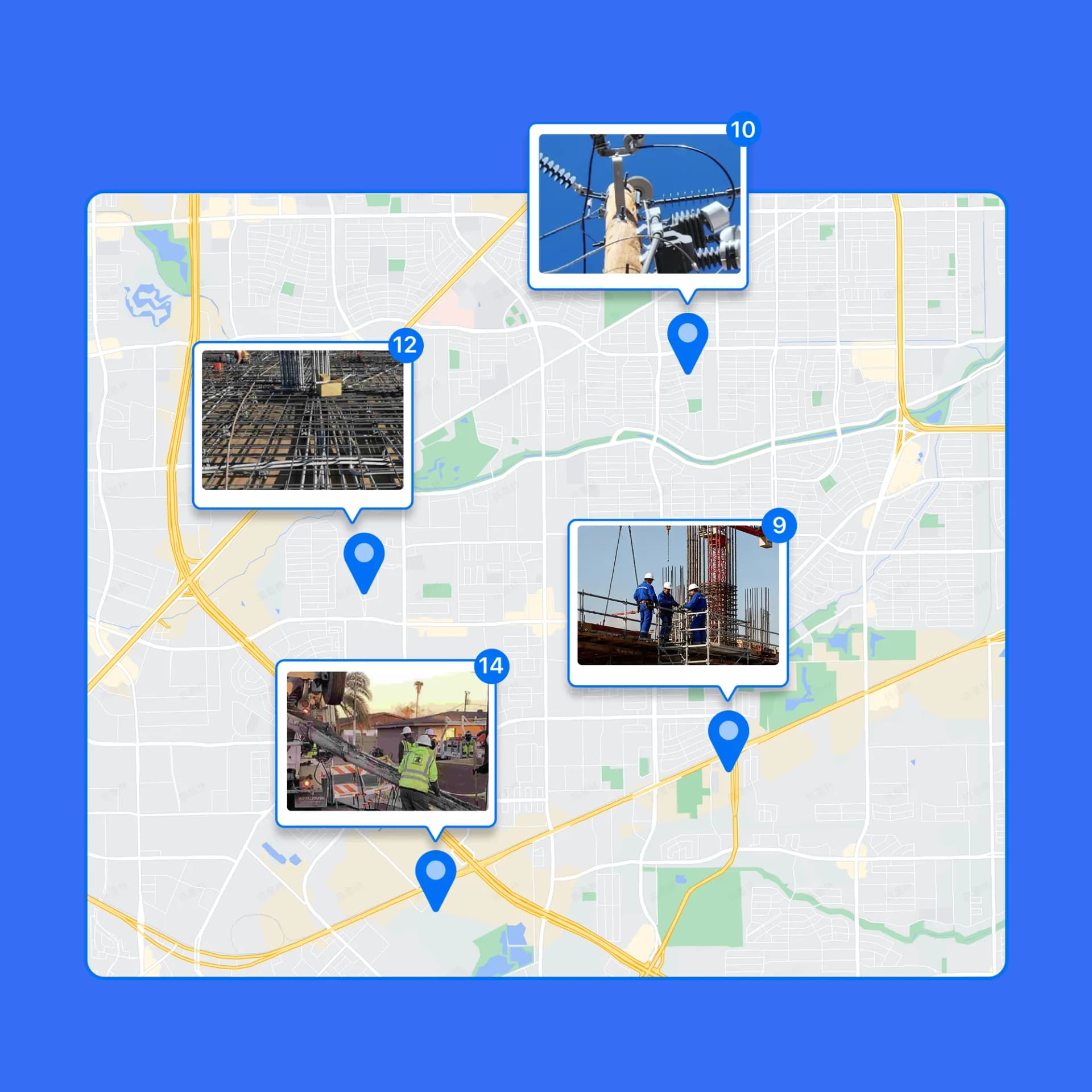
Visualize Photos by Exact Location
• Map Your Photos: Every photo is automatically pinned to the map using GPS data for easy location tracking.
• Quick Location Insights: See where work happened, compare locations, and spot missing coverage, without opening photos one by one.
• Perfect for Large Sites: Ideal for large job sites, multi-location projects, and route-based work.

Switch Between Map and Satellite Views
• Flexible Views: Choose the view that fits your workflow for easy photo navigation.
• Map View: Clean, distraction-free layout that lets you quickly scan all jobsite locations, compare positions, and spot missing coverage at a glance.
• Satellite View: See real-world surroundings, structures, and terrain for full context.
• Ideal for Field Work: Perfect for construction sites, telecom routes, land surveys, and security patrols.

Find the Right Photo Faster with Optional Location Labels
• Precise Location Selection: Zoom into the map and click the exact photo location—no guessing filenames or scrolling endless galleries.
• Split-Screen View: See all photos on the left and their exact locations on the map on the right, all on the same screen.
• Quick Photo Search: Easily locate the photos you need directly from the map, without wasting time scrolling or searching endlessly.
• Show or Hide Terrain: Easily choose whether to display terrain on the map for a clear or detailed view.

Built for Real Field Teams
A Table-Based View for Jobsite Photo Management
Photo Sheet is a web-based photo table that displays every jobsite photo in a spreadsheet-style layout. Each photo appears as a row, with key job information automatically captured and organized.
Before Photo Sheet, teams had to click through photos one by one, wasting time and risking missed details. With Photo Sheet, you can quickly scan, sort, and filter photos just like in Excel, fully connected to the original images, dramatically speeding up review and decision-making.
Frequently Asked Questions
.png&w=3840&q=75)
Know exactly where every photo was taken without extra work.
Use Timemark Photo Map to review, verify, and deliver site photos with confidence.