
A GPS Camera Workflow for Field Photo Documentation
Capture project photos with available location, time, notes, logo, and Photo Code context, then keep the resulting records associated with the selected project and team.
GPS availability and accuracy depend on the device, permissions, signal, environment, and capture conditions. Confirm required accuracy independently.
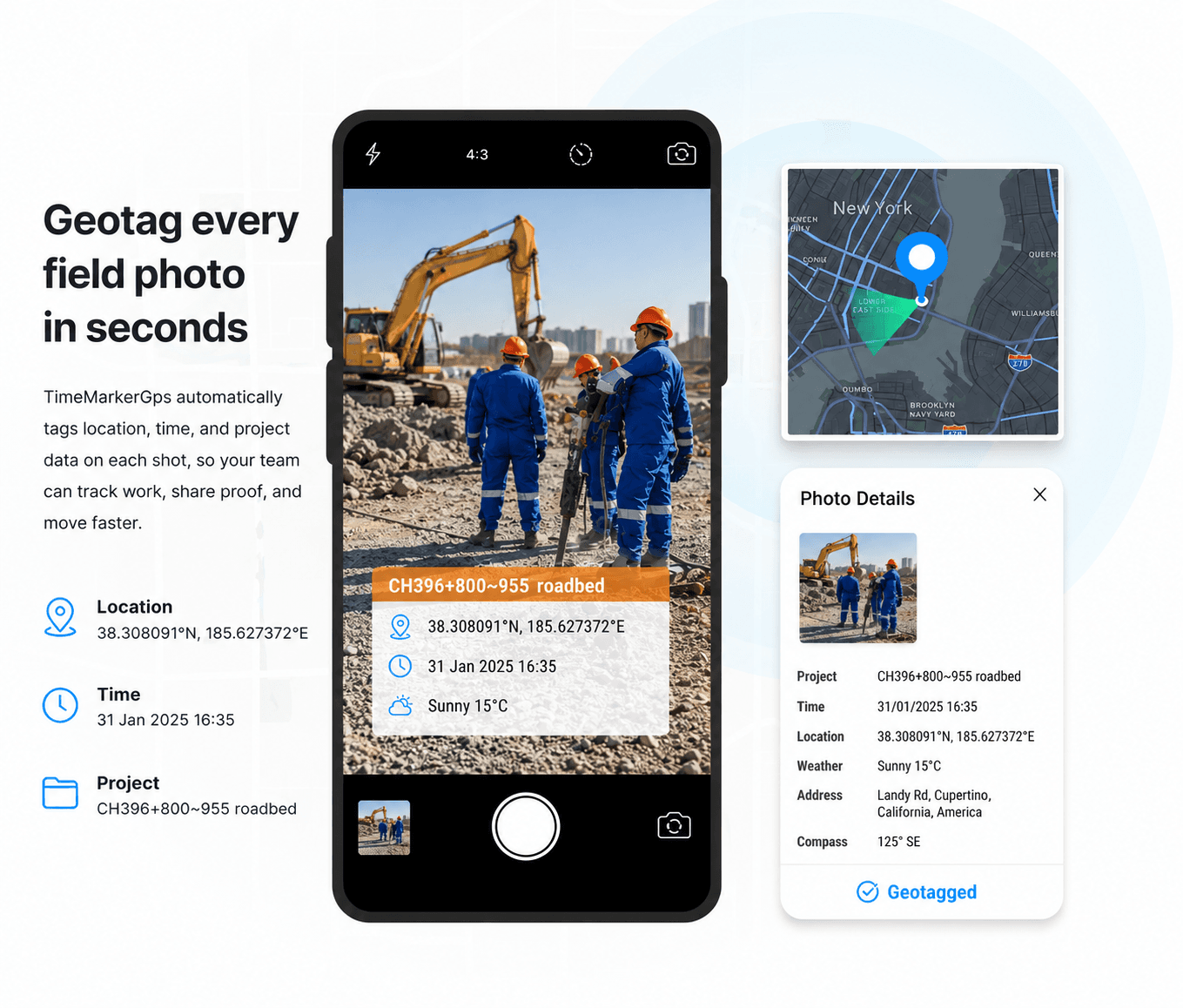
Designed for GPS Field Photography
Built to help field teams capture, organize, review, and share project photo records from one workspace.



How to Review a Photo's Location Context
Start with the visible overlay or stored record, then check the project, note, address, coordinates, and map context that are available. A displayed coordinate is useful context, but it is not independent GPS attestation.
1. Get TimeMarkerGps App
Search for TimeMarkerGps in your app store and install it. Open the app and allow camera and location access.

2. Take Geotagged Photos
Open the TimeMarkerGps camera and snap your field photo. It adds the GPS location and timestamp automatically.
When a readable Photo Code is available, retrieve the corresponding stored record and compare its project, contributor, creation date, location, coordinates, and other returned fields. The result provides context; it does not independently attest the exact capture position.
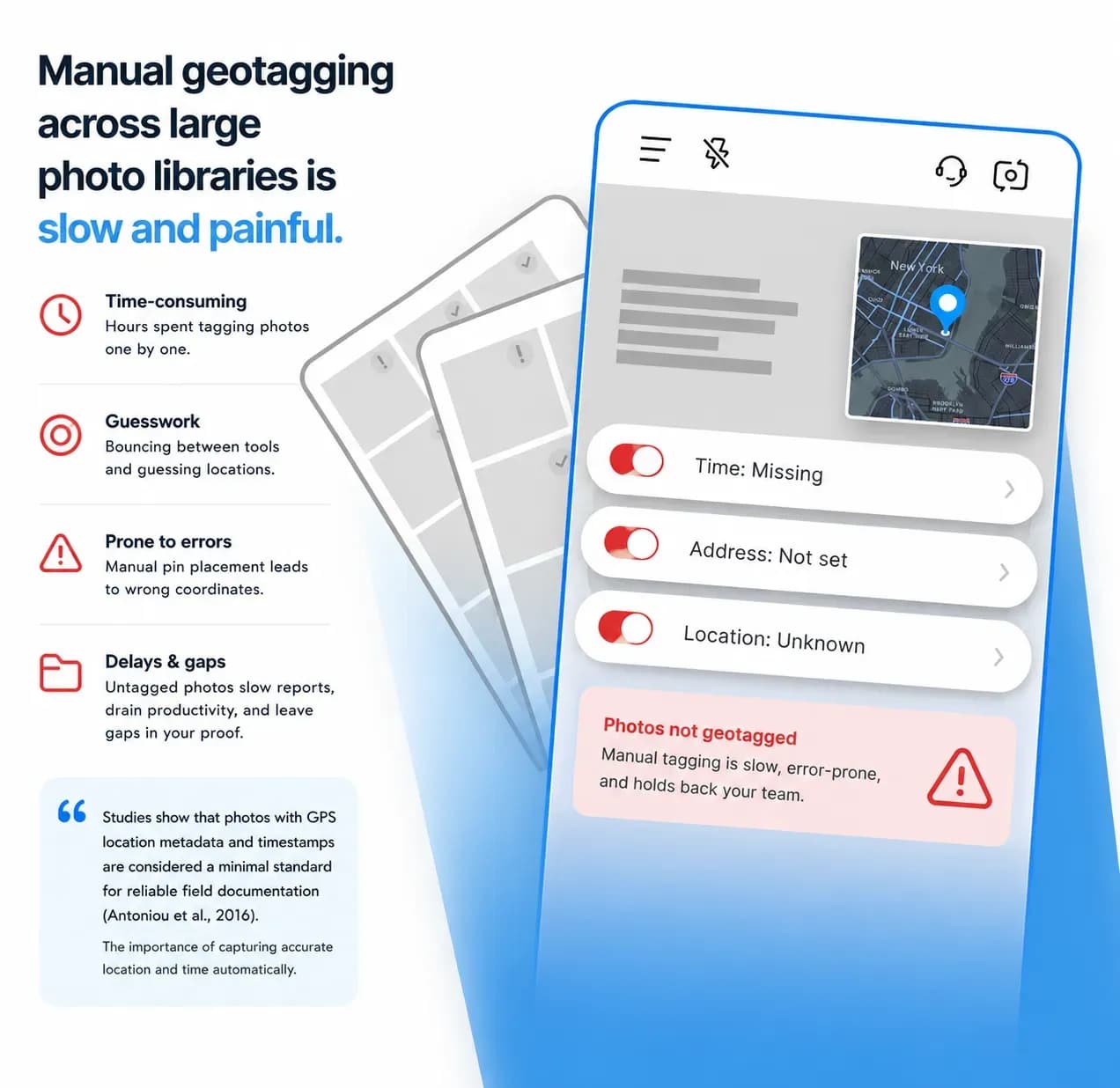
Keep Location Context From Becoming a Manual Afterthought
Field photos lose operational value when the team cannot connect them to the correct project, place, contributor, or task. Define the required fields before capture and test the workflow under real site conditions.
Designed for GPS Field Photography
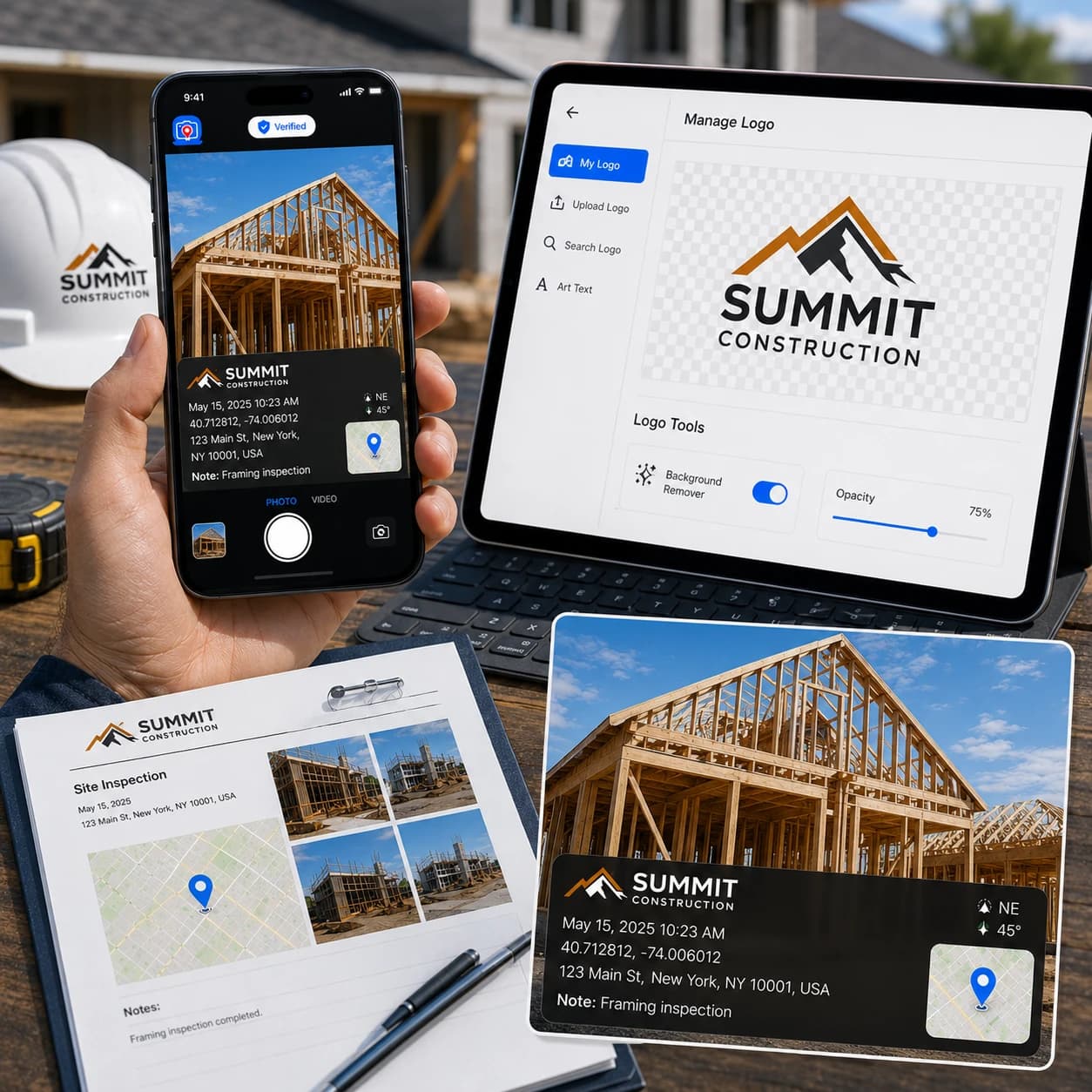
Capture With Available GPS and Time Context
When the required services and permissions are available, supported records can include device-supplied location and time-related context. TimeMarkerGps does not guarantee an exact position, trusted time source, or third-party acceptance.

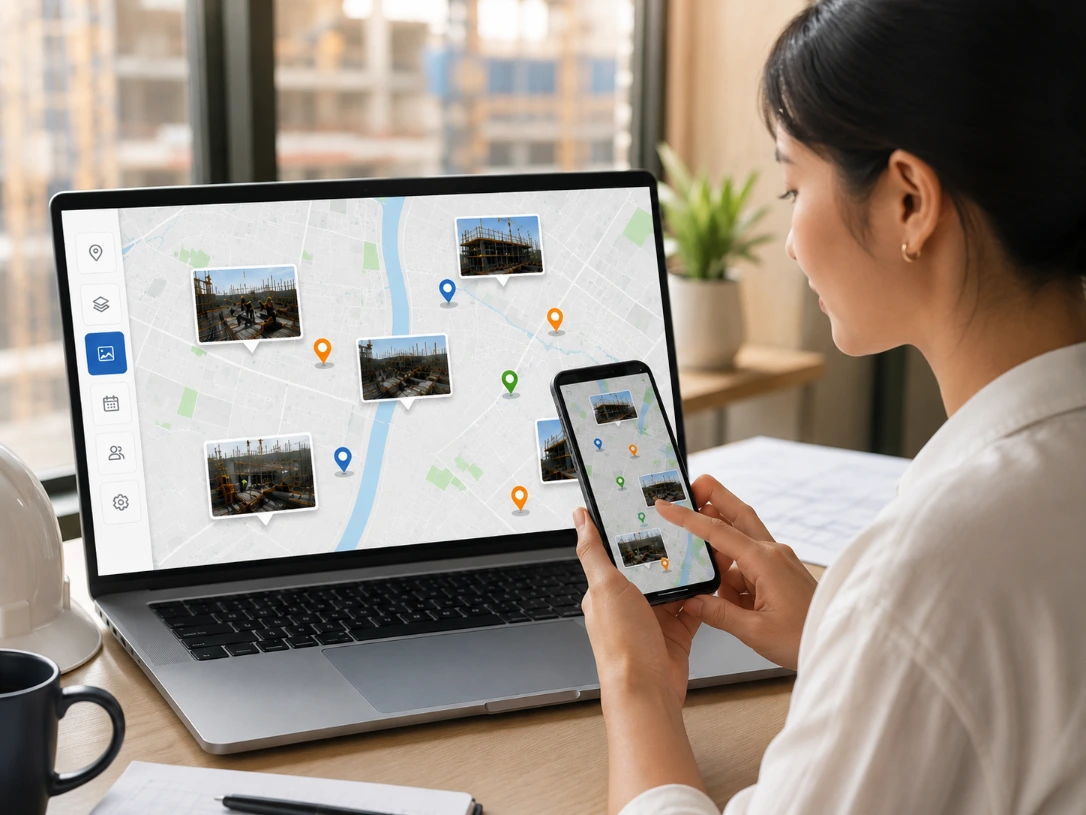
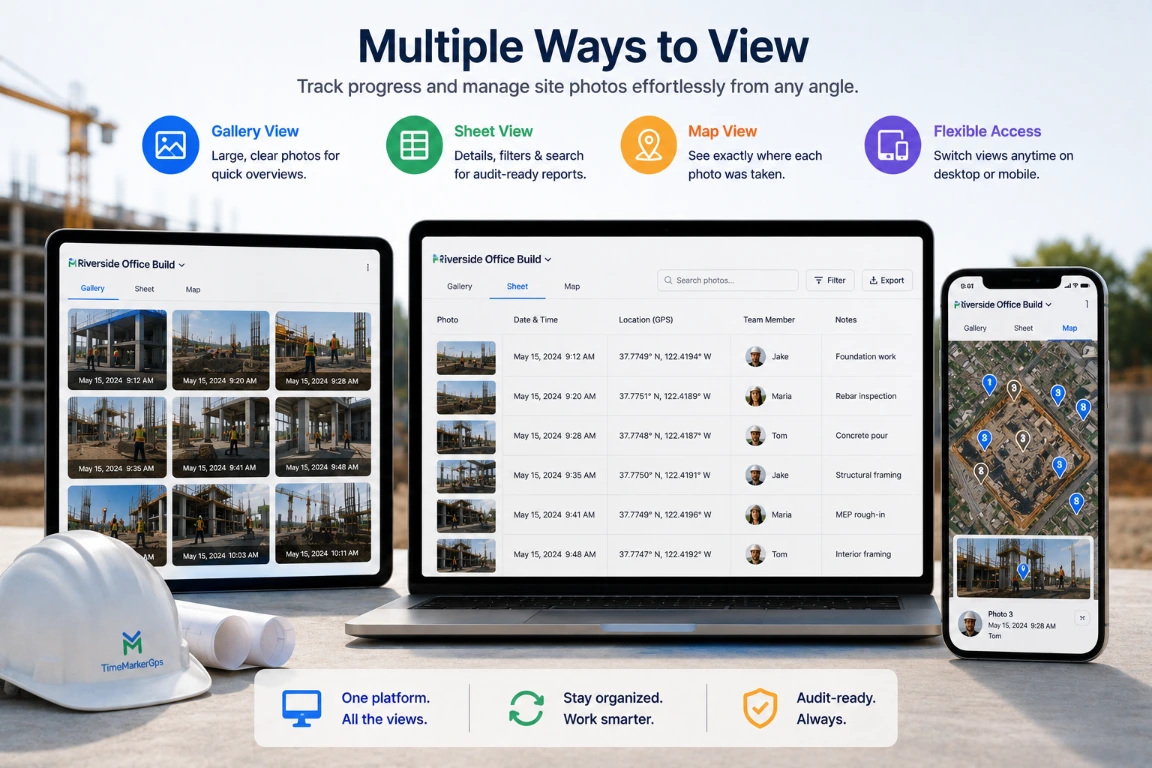
Review Location Context in Teamspace
Keep records associated with projects and contributors, then review eligible location data through the available detail, sheet, and map workflows.

Add Your Company Logo
Bring professional polish to every proof. TimeMarkerGps lets you stamp your company logo on each photo or video, turning field documentation into branded, verifiable evidence.
- Add a logo by uploading, searching within the app, or creating one with art text
- Refine logos with tools like the background remover and opacity control
- Apply your logo straight onto client-ready reports
Where GPS Photo Context Helps
Explore GPS photo workflows for construction teams and telecom and utility crews. Location context makes records easier to identify, but industry or program documentation requirements must be checked separately.
Construction Pros
The GPS camera by TimeMarkerGps verifies change orders and proves work completion. Back every photo with location data, your strongest defense against disputes.
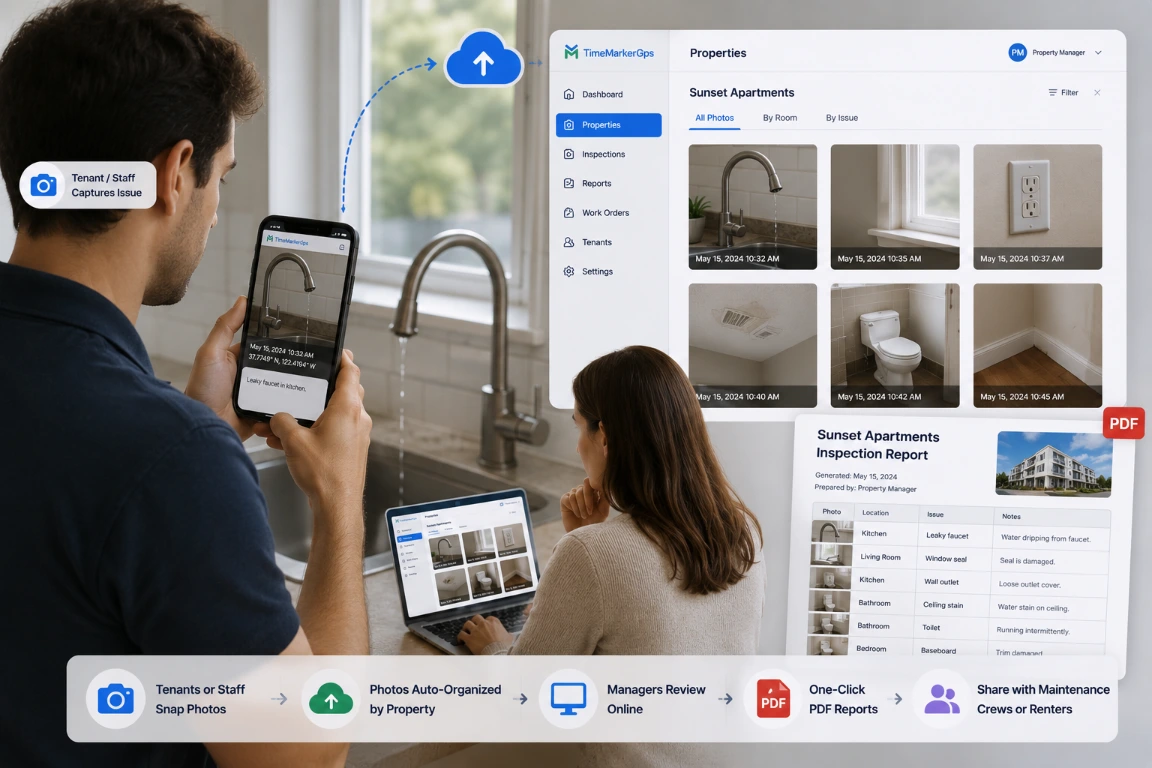
Fiber Optics Contractors
Document splice pits, handholes, pull‑boxes, and duct runs with map‑view tracking and location‑based metadata, giving clients a transparent visual record of work as it happens.
Land surveying
Keep available location, timestamp, and project context with survey photos. Confirm the required coordinate accuracy, metadata fields, and output format before using any photo workflow for surveying or mapping deliverables.
TimeMarkerGps vs Other Photo Tools
Compare tools using your own devices, sites, permissions, project structure, required fields, map workflow, sharing controls, and output requirements. Do not assume that a visible GPS or time stamp proves image integrity or guarantees third-party acceptance.
Ready to Organize Job Photos Smarter?
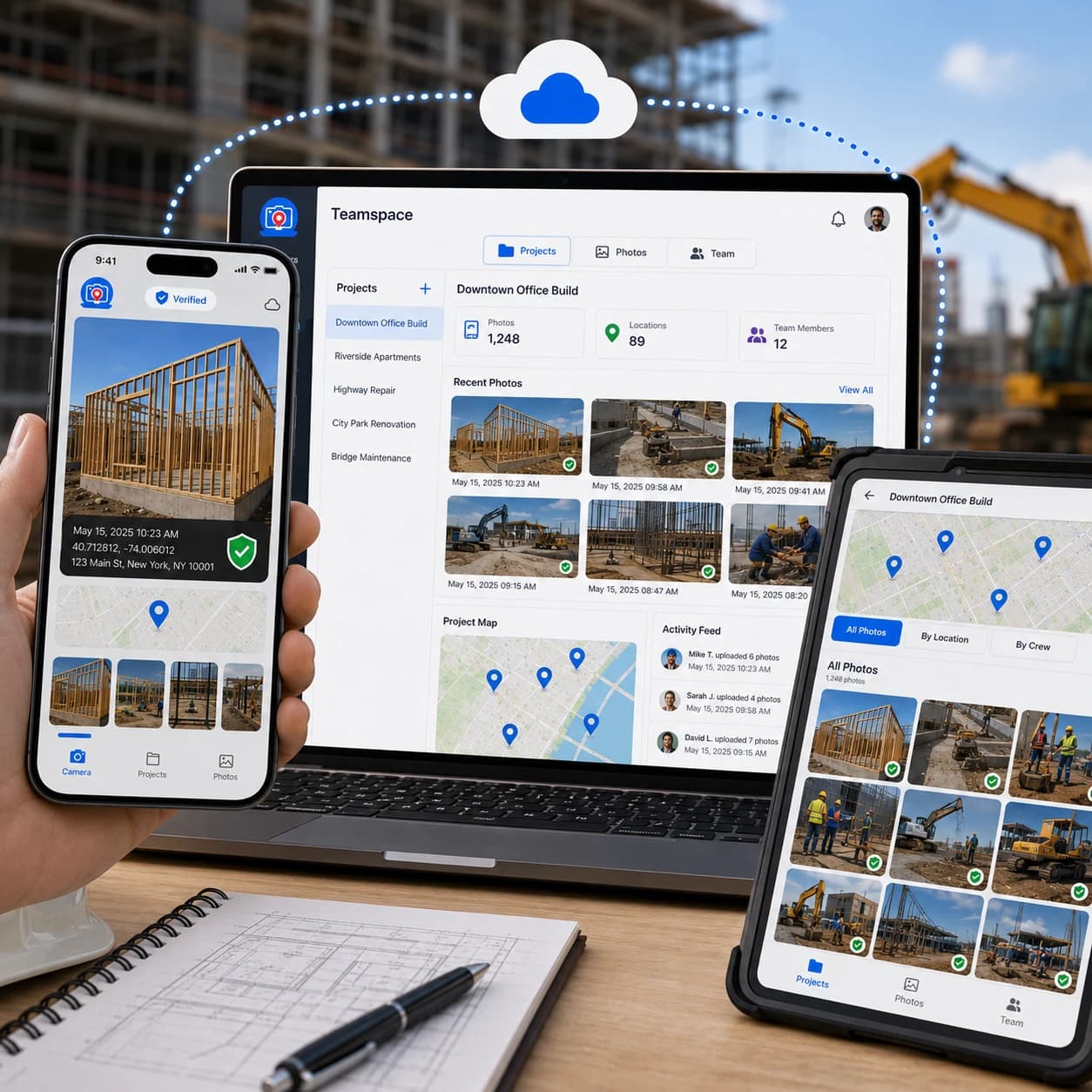
The TimeMarkerGps GPS camera captures geotagged photos, and Teamspace takes it further. Keep job photos grouped by the selected project or team member to reduce manual filing. Open Teamspace now and turn your GPS shots into a tidy, easy-to-share workflow.
|
|
|
|
|

"I'm a construction contractor, and TimeMarkerGps changed how we handle field photos. I used to spend two hours every night sorting my team's photos and trying to remember which shot belonged to which project. Now TimeMarkerGps auto-adds GPS stamps and organizes everything by project and member. It's the best GPS camera app I've ever used!"
|
|
|
|
|
"As a telecom contractor, we're always on different job sites, and tracking photos used to be a nightmare. My team would send shots by text or email, and half the time the location notes went missing. With TimeMarkerGps, every photo carries a GPS stamp and timestamp."
|
|
|
|
|
"Our team covers 20+ sites a day, and TimeMarkerGps keeps us organized. Every inspection photo carries the recorded time and place, and even new hires pick it up in five minutes. It's reliable, simple, and the only tool we need to prove we did the work right."
GPS Camera FAQs
Practical answers about permissions, GPS accuracy, weak signal, map review, Photo Code, and the limits of geotagged photo records.
Professional GPS cameras like TimeMarkerGps capture far more than coordinates. They log the time, the exact address, elevation, and weather, so your field work proof tells the full story.
A supported photo code retrieves its associated stored record, including the available image, creator, date, location, GPS, weather, and project fields. This context can support review, but the current lookup does not independently validate device time, detect GPS spoofing, or establish that the photo has not been modified.
Yes, you can still capture geotagged photos. TimeMarkerGps reads your device's built-in GPS coordinates, so it works even where the internet is weak or unavailable.
A GPS camera app like TimeMarkerGps is still worth it. A standalone logger requires manual syncing, while TimeMarkerGps attaches GPS data to photos automatically, saving your team time.
TimeMarkerGps's Teamspace feature keeps team photos grouped by project and member, reducing manual filing and emailed attachments, so everyone on the team finds the photos they need fast and keeps work moving.
Adding geotags to photos is free with TimeMarkerGps. The app stamps every shot with geotags at no cost and with no hidden fees, so your business gets reliable proof without extra expense.
Try the GPS Camera Workflow
Download TimeMarkerGps and test available GPS, time, project, note, logo, and Photo Code context with one real field checklist.