
Keep Field Work Organized in One Workspace
Automatically collect, organize, and sync project photos in one shared workspace. Keep every capture connected to the right project, location, and team activity.

Designed for Organized Field Photo Workflows



Are These Challenges Slowing Down Your Team?
Field documentation becomes difficult when photos, updates, and project records are scattered.
Missing Documentation
Site photos are often delayed, incomplete, or never submitted to the right project.
Disorganized Records
Photos become difficult to track, duplicate over time, or stay disconnected from project context.
Time-Consuming Coordination
Sorting and matching large volumes of photos across projects and stakeholders takes valuable time.
Designed for Organized Field Photo Workflows
Capture, organize, and access field documentation automatically.
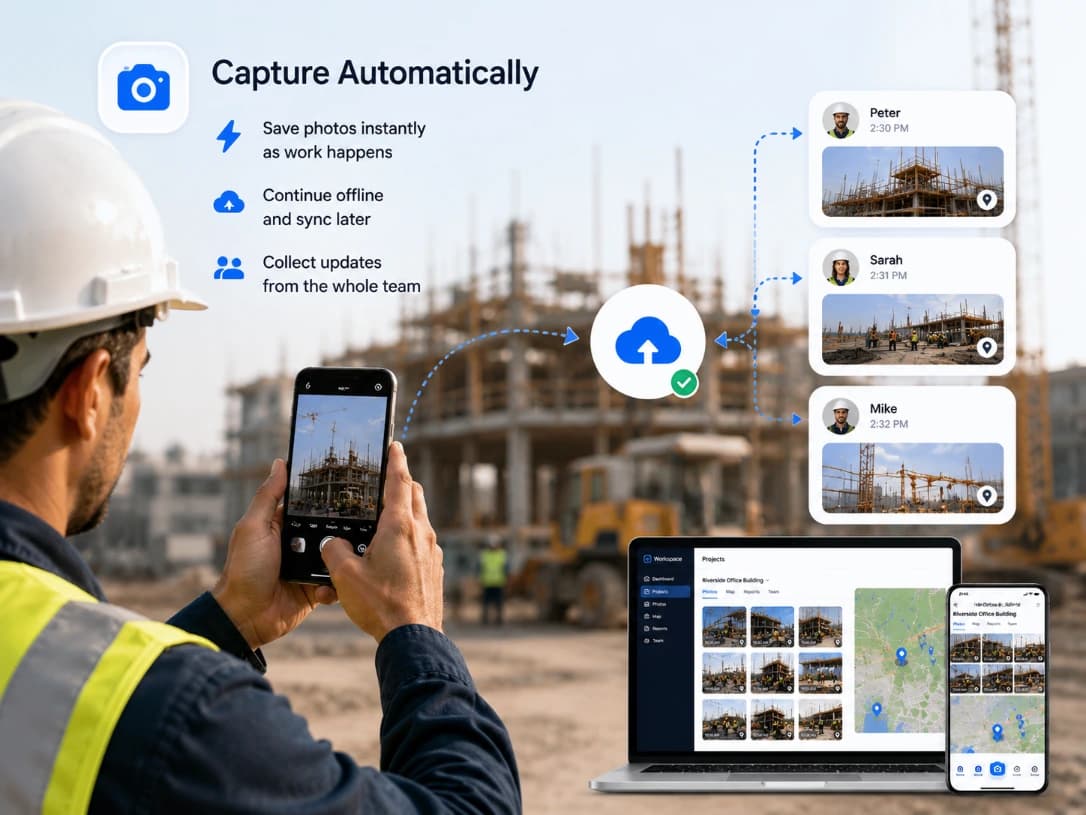
Capture Automatically
• Save photos as work happens
• Test capture behavior under limited connectivity
• Confirm how pending records are identified and transferred after connectivity returns
• Collect available updates from participating team members
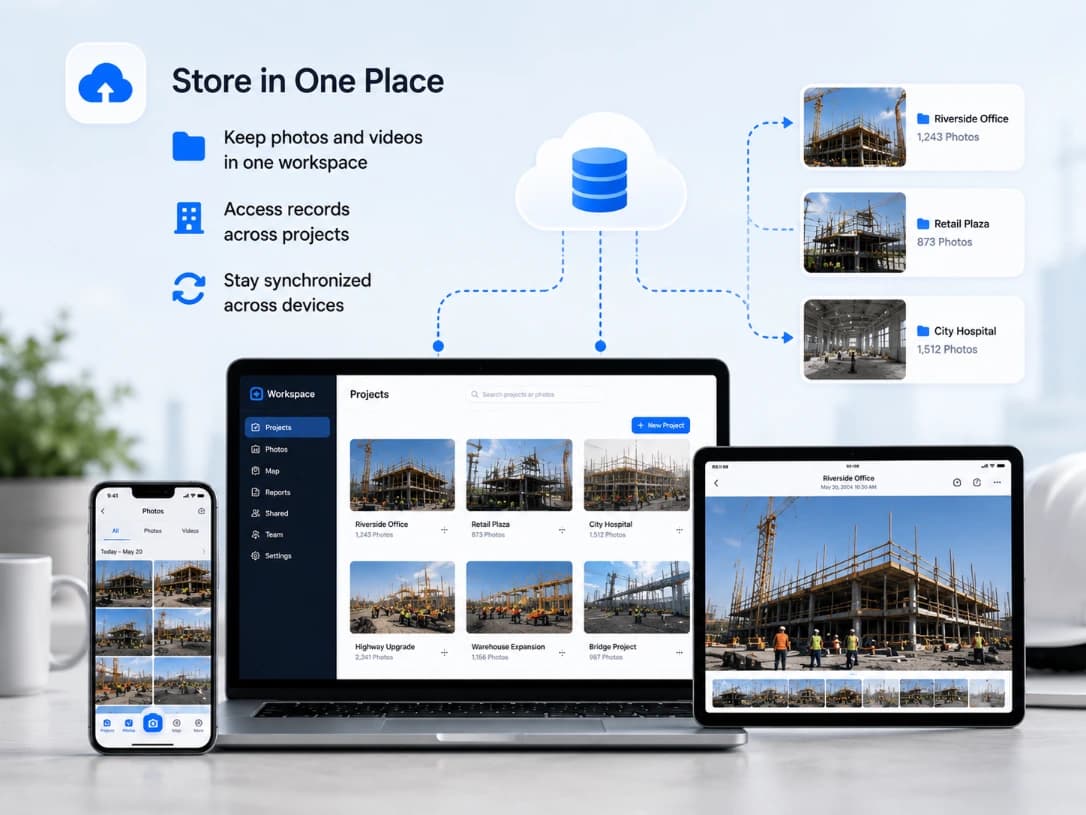
Store in One Place
• Keep photos and videos in one workspace
• Access records across projects
• Stay synchronized across devices
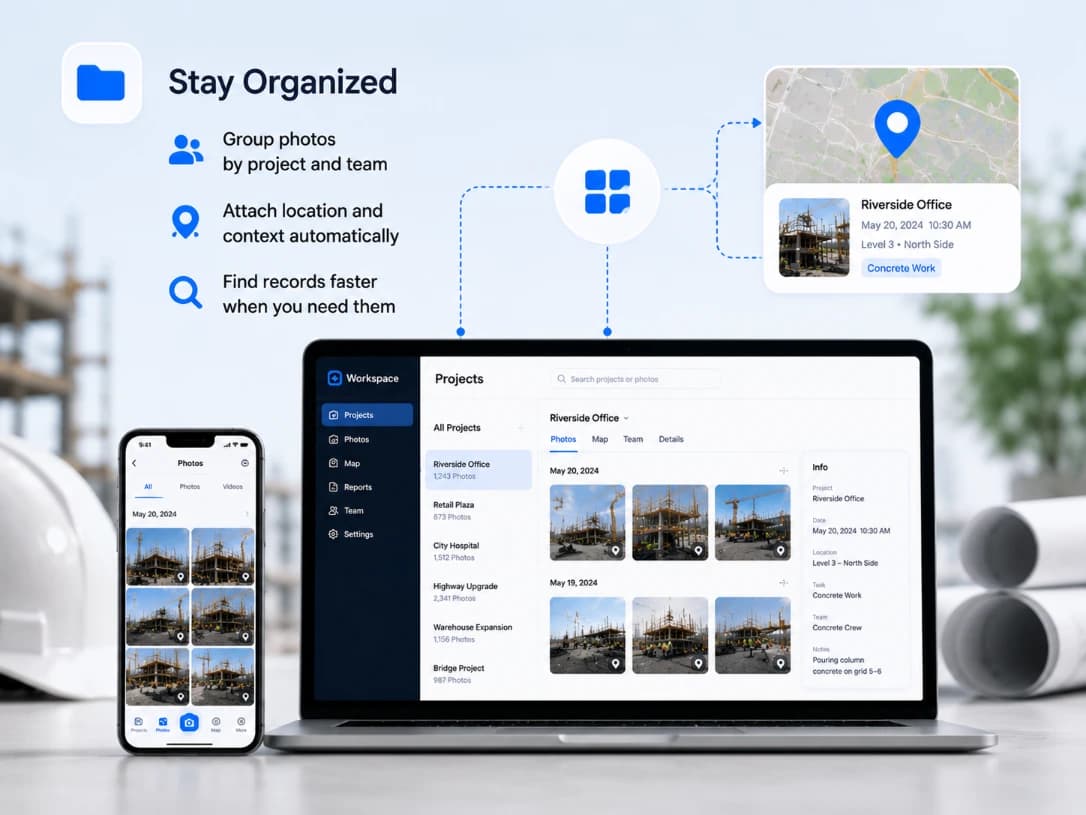
Stay Organized
• Group photos by project and team
• Attach location and context automatically
• Find records faster when you need them
Organized Photo Workflow Examples
Examples of how field teams can keep project images structured without relying on personal camera rolls or message threads.
Daily upload review
A supervisor filters the workspace by project and date, checks missing notes, and confirms that each site area has the expected photos.
Handover preparation
A coordinator groups final records by project section and exports the selected photos with their available dates, locations, and notes.
Remote progress check
An office reviewer compares new synchronized captures with earlier project records before requesting additional viewpoints from the field.
Job Photo Organization FAQs
Select the project before capture or assign the record during review. TimeMarkerGps keeps the photo together with its project, member, recorded time, location, and notes.
Yes. Captures made in the project workflow sync to the shared workspace, where authorized members can review them without collecting files from personal chat threads.
Use project, member, date, location, tags, or available photo details to narrow the workspace. The useful filters depend on the information recorded with each capture.
Yes. Once records sync, authorized users can review project photos and context from the web workspace. Offline captures appear after the device reconnects.