
Construction Photo Documentation Built for Teams
TimeMarkerGps makes construction photo documentation effortless: it automatically gathers your team’s site photos, sorts them by project, and turns sharing into a single tap. Deliver faster, save hours, and cut project risk.

Designed for Construction Documentation Teams



Why Complete Construction Records Matter
Scattered or incomplete site photos make progress reviews, handovers, and issue resolution harder. A consistent project record helps teams find the right image, date, location, and note when questions arise.
Pay for Mistakes
When site photos are disorganized, others shift the blame your way—and you foot the bill for their mistakes.
Safety Fines
With no time-stamped records, safety audits become costly fines that chip away at your hard-earned profits.
Delayed Handovers
Disorganized records slow you down, frustrate clients, and hand future jobs straight to your competitors.
How to Build Construction Photo Documentation
1. Snap Site Photos
Open the TimeMarkerGps app on your phone, pick the right project, and tap “Capture.” Snap clear shots of progress, issues, or safety areas, and add notes when needed.
2. Organize by Project
Use the selected project and member context to keep site photos grouped and easier to retrieve. Available timestamps and location details stay with the photo record.
3. View Photos
Browse photos in gallery, sheet, or map view from the web portal or the app.
4. Prepare records for delivery
Review the current report, bulk-download, and sharing options. Generate a sample and confirm required fields, branding, image quality, recipient access, and processing time before sending project updates to stakeholders.
Why TimeMarkerGps Stands Out for Construction Photo Documentation
Organize Site Photos
TimeMarkerGps organizes site photos by project, member, and date. It keeps work and personal photos separate and handles 360° and video files, making retrieval effortless.
All Key Features in One Tool
Capture site photos, track progress, share with stakeholders, and build reports—TimeMarkerGps brings it all into one app that fits your workflow and saves you from switching between platforms.
Trusted Time & Location
TimeMarkerGps stamps every photo with an automatic timestamp and geotag, giving you reliable evidence for disputes, payments, or audits—so your work always has clear supporting records.
Designed for Construction Documentation Teams

Daily Progress & Milestone Tracking
Capture every milestone with TimeMarkerGps construction photo documentation—from framing to concrete pours. Site photos are auto-sorted by date and project, building a clear visual timeline you can share with owners or the GC to prove progress and speed up payments.
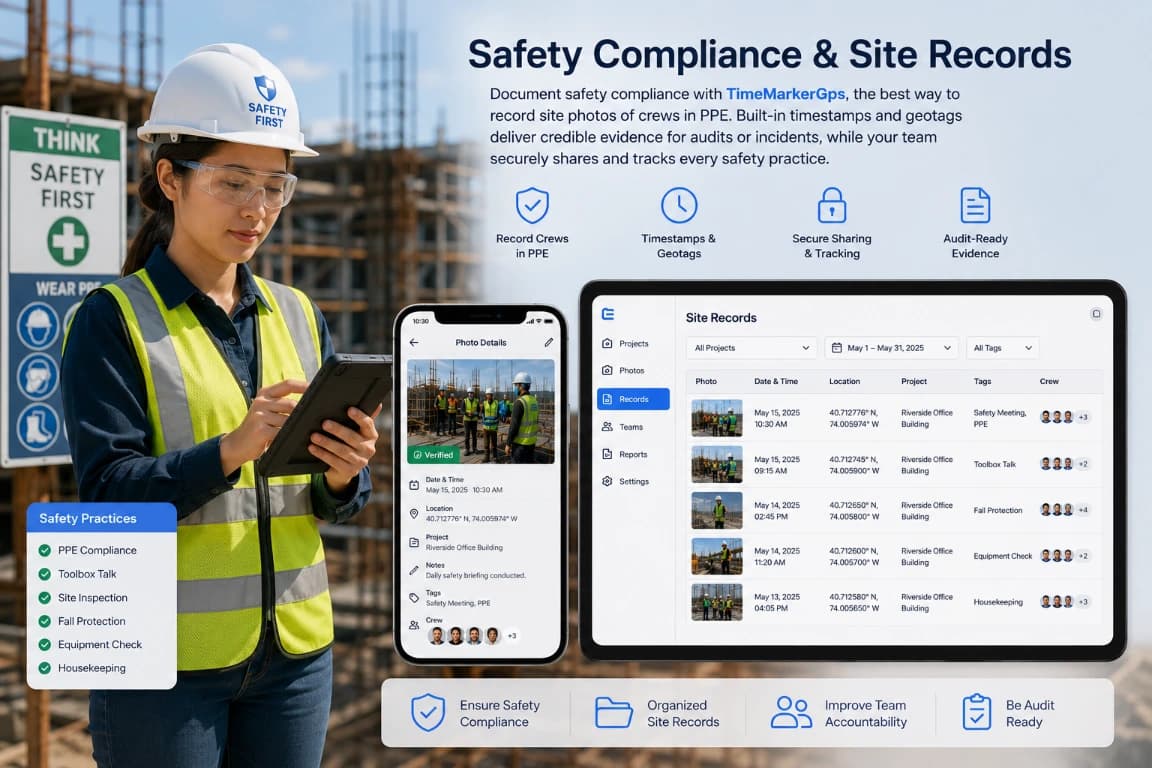
Safety Compliance & Site Records
Document safety compliance with TimeMarkerGps, a practical way to record site photos of crews in PPE. Built-in timestamps and geotags deliver credible evidence for audits or incidents, while your team securely shares and tracks every safety practice.
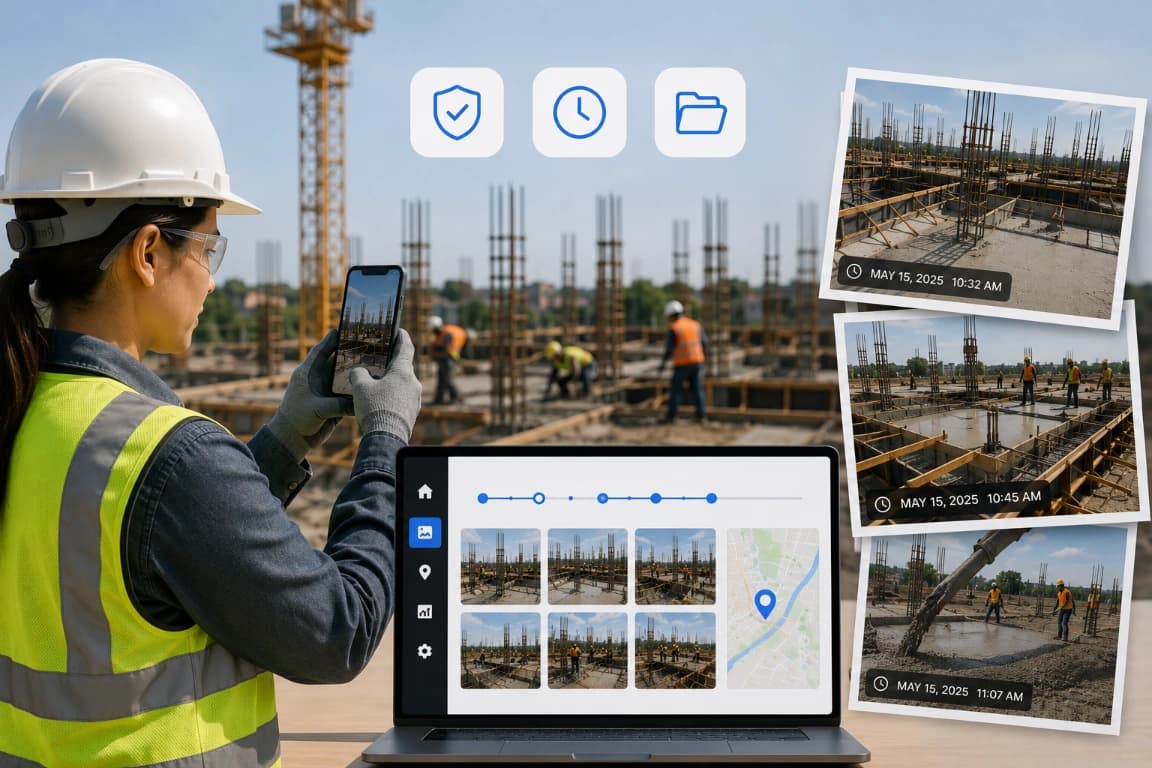
Dispute Resolution & Claim Defense
Capture and organize site photos with TimeMarkerGps construction photo documentation. Time-stamped project images help you defend against claims such as poor craftsmanship, prove your case, and resolve disputes faster while saving money.
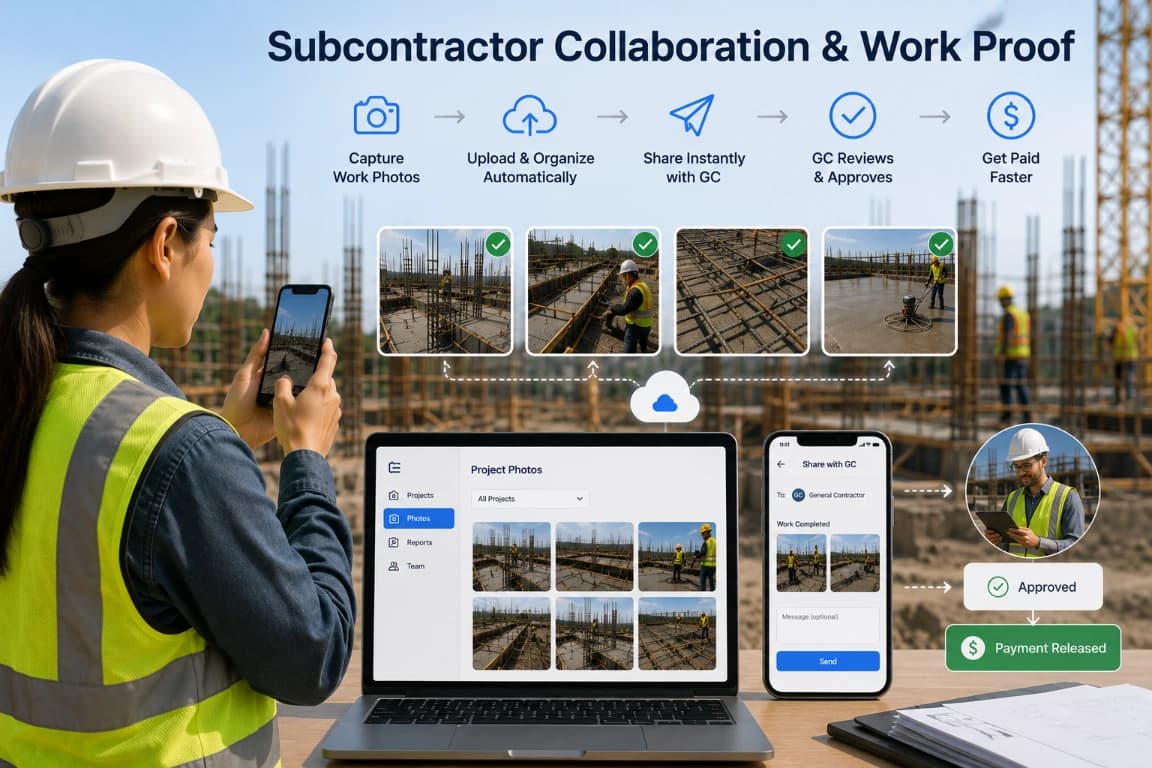
Subcontractor Collaboration & Work Proof
TimeMarkerGps construction photo documentation is a practical way for subcontractors to capture site photos of finished tasks and share them instantly with the GC as proof for payment. Every project photo lives in one place, so you skip juggling multiple apps, avoid arguments, and get paid faster.
Workflow Review Checklists
Use these checks as a starting point, then adapt them to your team’s process, permissions, and reporting requirements.
Daily capture review
Review the relevant project records, confirm that required context is present, and document any follow-up before sharing or exporting.
Issue follow-up
Review the relevant project records, confirm that required context is present, and document any follow-up before sharing or exporting.
Inspection preparation
Review the relevant project records, confirm that required context is present, and document any follow-up before sharing or exporting.
Subcontractor completion
Review the relevant project records, confirm that required context is present, and document any follow-up before sharing or exporting.
Handover selection
Review the relevant project records, confirm that required context is present, and document any follow-up before sharing or exporting.
Record retention
Review the relevant project records, confirm that required context is present, and document any follow-up before sharing or exporting.
Questions Field Teams Ask Most
TimeMarkerGps is the best software for construction photo documentation. It lets you capture, sort, and store site photos, videos, and 360° content, keeping records organized, workflows smooth, and your team on track.
Track site progress with TimeMarkerGps by capturing and auto-sorting project photos and videos in the app or web portal. The result is a clear visual timeline for stakeholders and a more efficient workflow.
Video adds motion that still photos can’t capture, showing progress as it happens. Including video in your TimeMarkerGps documentation creates a fuller record for audits, approvals, and dispute resolution.
Organized site tracking keeps every project photo, video, and 360° file in one place. With TimeMarkerGps it reduces errors, speeds up approvals, and gives teams and stakeholders documentation they can rely on.