
A Simple Jobsite Photo App That Saves Time & Money
The TimeMarkerGps jobsite photo app stamps every construction photo with timestamp and GPS, sorts shots by project, team, and crew for effortless photo management, and slashes rework costs—so you sidestep disputes and get paid faster.
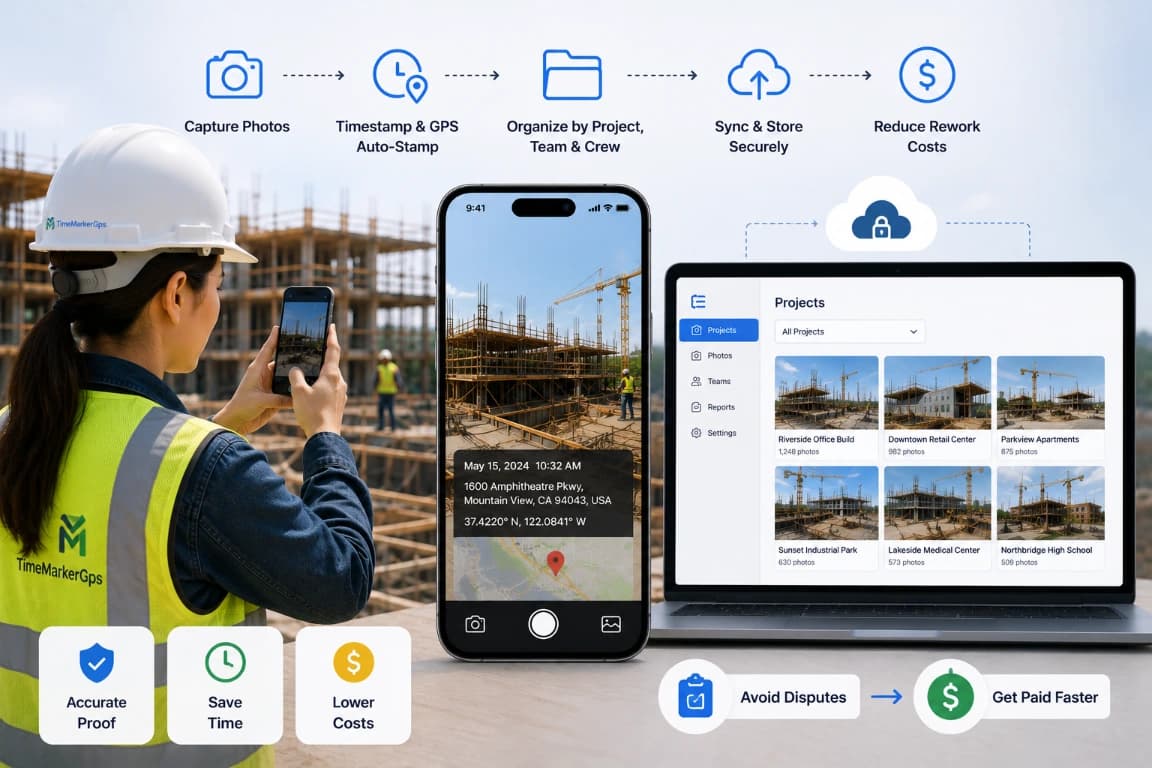
Designed for Jobsite Photo Management



TimeMarkerGps practical solutions To Your Pain Points
Pain Point
Paper forms slow everyone down. They are awkward to fill out on rough jobsites and easy to lose, which stalls your workflow.
TimeMarkerGps's Solution
Capture job details in seconds. Timestamp, GPS, notes, and weather attach straight to each photo—no more manual paper logging.
Pain Point
Jobsite photos end up scattered across phones and email threads, impossible to track down when you need them.
TimeMarkerGps's Solution
Shoot photos on-site and TimeMarkerGps auto-syncs and files them by Project / Crew / Team, so you find any shot in seconds.
Pain Point
Missed updates and unclear task tracking lead to communication gaps and avoidable delays.
TimeMarkerGps's Solution
Real-time photo uploads keep your whole team aligned, so jobs move faster.
Pain Point
Lost photos and documents leave you with no proof when disputes hit—and that costs money.
TimeMarkerGps's Solution
Every piece of jobsite data is backed up, secured, and always within reach.
Designed for Jobsite Photo Management

Mobile Inspections Under Limited Connectivity
The TimeMarkerGps jobsite photo app lets you run inspections from your mobile anywhere—no paper or pen. Keep working fully offline: save notes, capture GPS, and pick the destination project. The moment you reconnect to Wi-Fi or data, every offline change auto-syncs to the cloud for instant photo documentation and team updates.
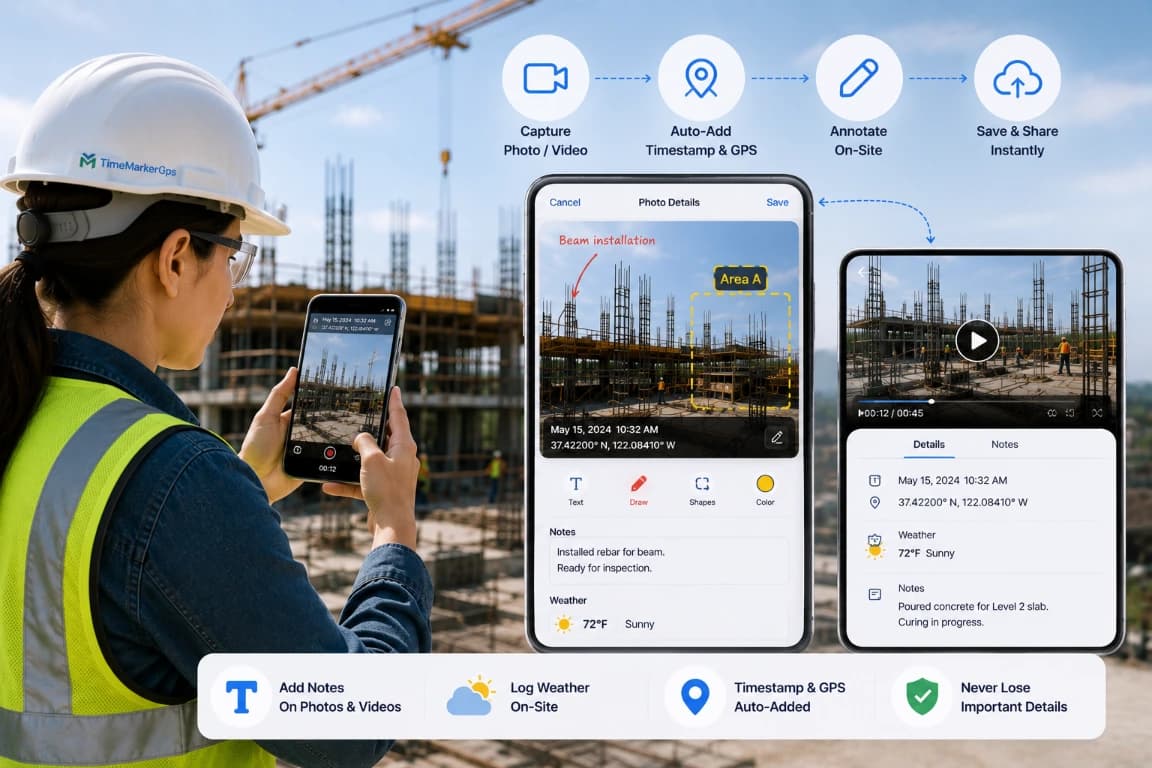
Annotate Photos & Videos On-Site
Capture jobsite photos or videos and let TimeMarkerGps auto-add the timestamp and GPS. Type notes or log the weather right on each photo or video, so the details that matter are never lost.
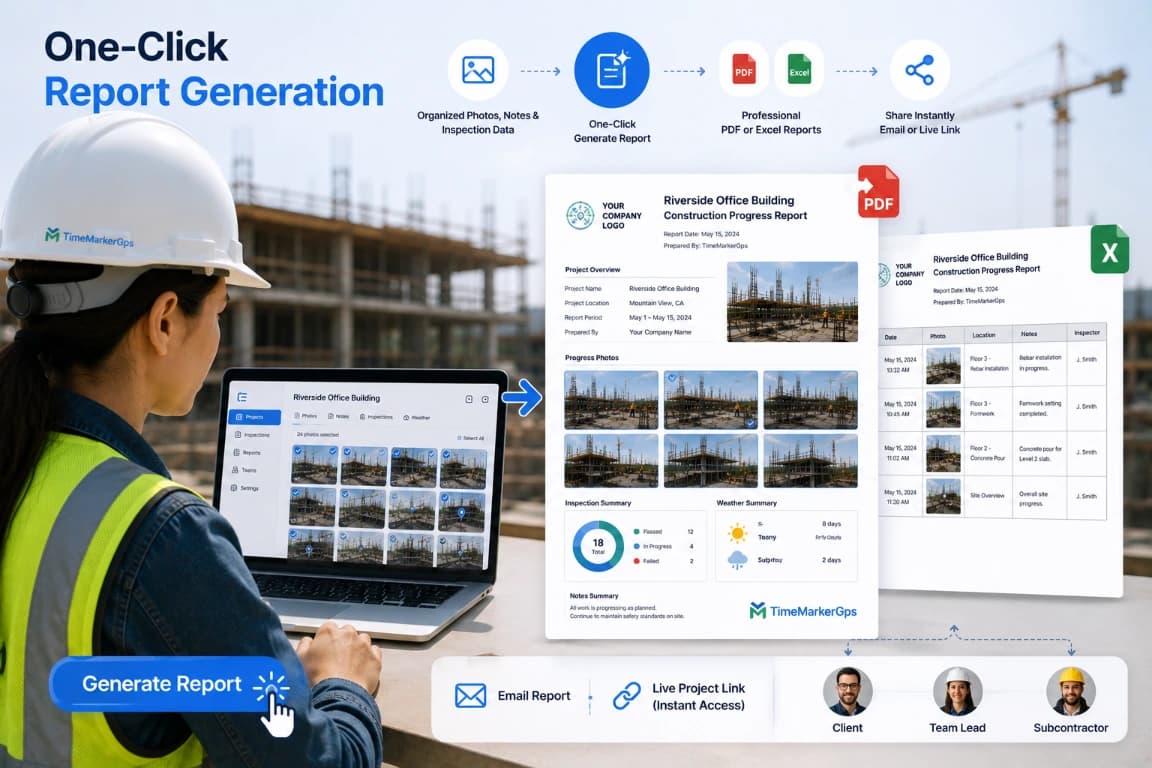
Prepare Jobsite Photo Records for Delivery
Select representative jobsite photos and review the report, download, or sharing methods available in the current product. Confirm required fields, branding, image quality, processing time, and recipient access before making the workflow part of a client deliverable.
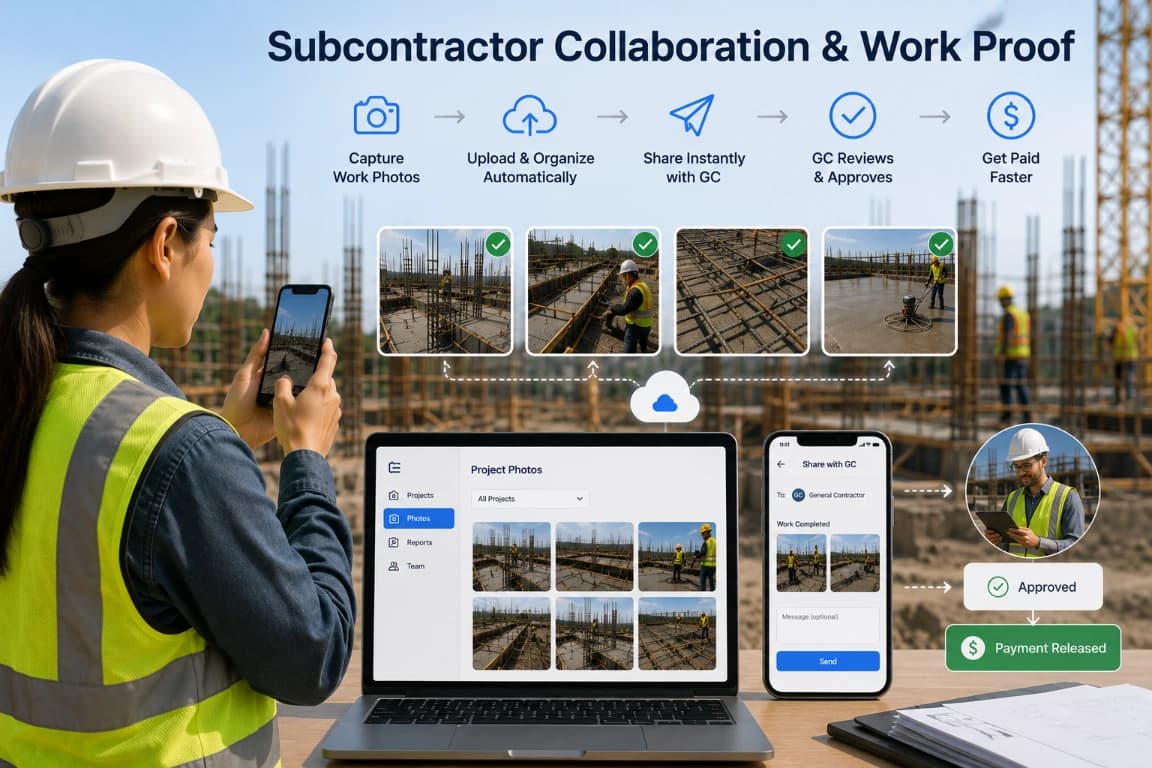
Subcontractor Collaboration & Work Proof
TimeMarkerGps construction photo documentation software gives subcontractors the fastest way to capture site photos of finished tasks and share them instantly with the GC as payment proof. Every project photo lives in one place, so you stop juggling apps, dodge arguments, and get paid faster.
Designed for Jobsite Photo Management
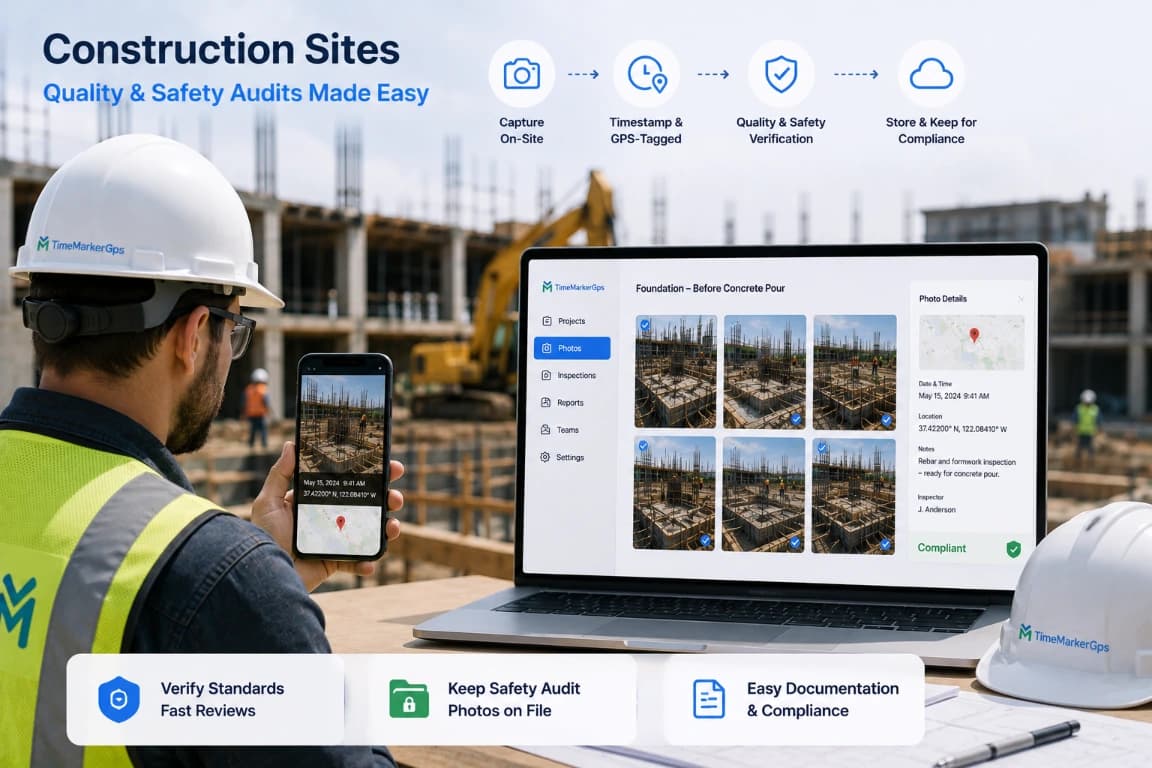
Construction Sites
Construction Quality & Safety Audits: Contractors rely on TimeMarkerGps, the jobsite photo app, to capture timestamped construction photos that can include GPS context when location services and permissions are available (think foundations before the concrete pour). Supervisors review them fast on the web to verify standards and keep safety audit photos on file for easy documentation and compliance.

Field Service Teams
Field Service Task Tracking: Telecom contractors use TimeMarkerGps, the jobsite photo app, to photograph damaged equipment and attach problem notes on the spot. Photos stay grouped under the selected project for easier management, so leaders can watch job progress in real time and keep service on schedule.
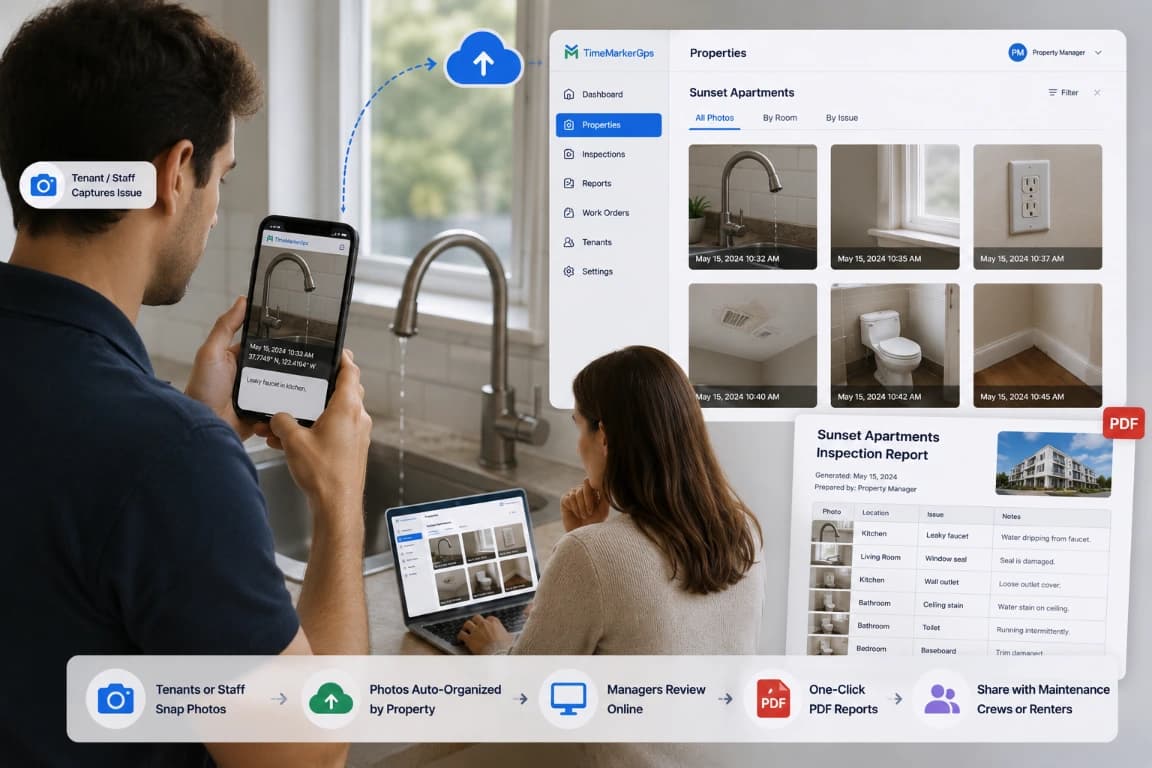
Real Estate & Property
Property teams can group maintenance photos by property, issue, and contributor, then prepare records for crews, owners, or renters. Test the current reporting and delivery options with a real maintenance case before rollout.
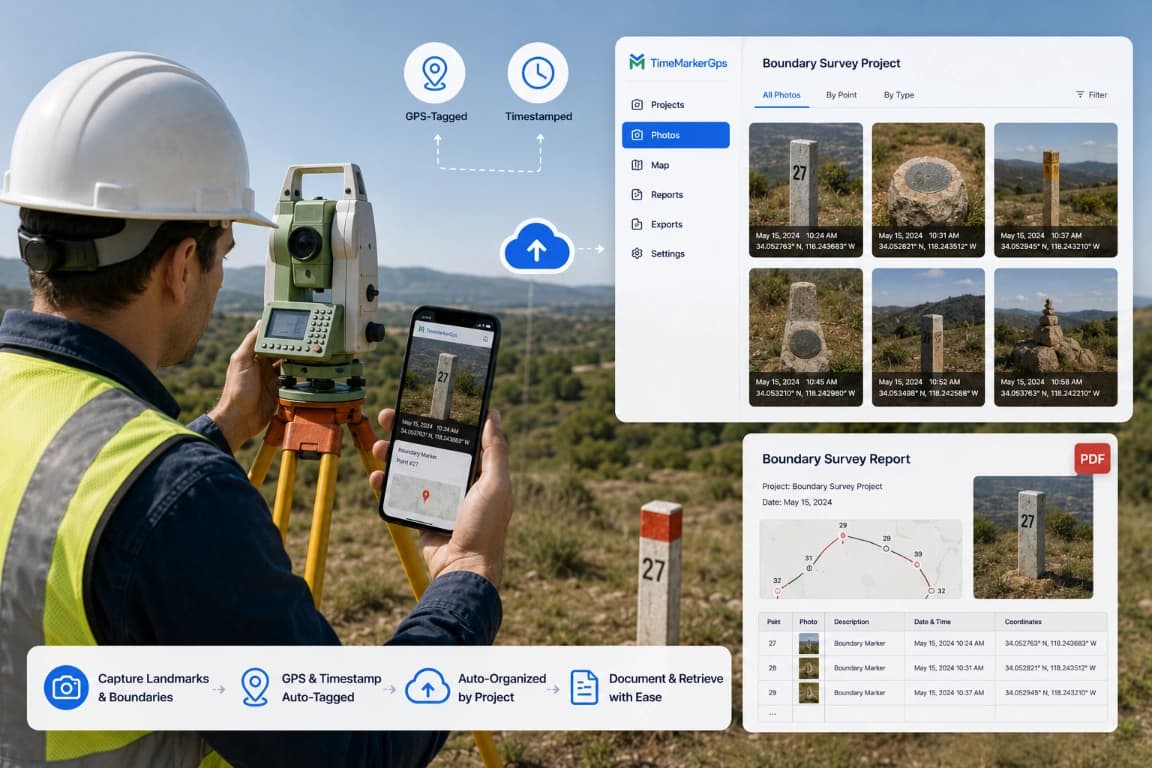
Land Surveying & Boundaries
Survey Data Documentation: Land surveyors count on TimeMarkerGps, a jobsite photo app built for surveying, to capture GPS- and timestamp-tagged photos of landmarks and boundaries. Back at the office, every photo is organized by project for seamless documentation and quick retrieval as boundary-dispute evidence.
Why TimeMarkerGps Stands Out for Jobsite Documentation?
Efficiency
Ditch slow paper checklists and endless photo hunts. TimeMarkerGps turns messy jobsite data into clear insight and builds reports in one click, saving hours of admin work every week.
Collaboration
End the frustration of disconnected teams. Real-time notifications and shared project folders from TimeMarkerGps let field and office staff trade jobsite updates instantly. No more lagging messages—collaboration stays smooth and visible to all.
Risk Review
Keep jobsite photos together with available project, contributor, time, location, and note fields. This structured context can support review of rework, invoice, and dispute records, but outcomes depend on the wider documentation and the reviewer.
Questions Field Teams Ask Most
Absolutely. TimeMarkerGps keeps it simple—just tap to snap a photo, add notes, and pick a project. There is no complex training; even first-time app users get the hang of it in minutes and stay focused on the work, not the tech.
Test TimeMarkerGps on supported devices at a representative jobsite. Confirm which capture and note actions remain available, how pending records are identified, what happens after connectivity returns, and how failed transfers can be retried or recovered.
A supported record can keep the photo together with available project, contributor, time, GPS, and note fields. A photo code can retrieve its associated stored record. These details add context but do not independently prove origin, prevent edits outside the app, or determine acceptance in a dispute.
Yes. TimeMarkerGps offers flexible plans for small teams, so you pay only for what you use. There are no hidden fees—every cost is clear upfront—and you can start with a free team account to try it before you commit.
TimeMarkerGps helps teams associate jobsite photos with available project, contributor, time, location, and note fields, then organize those records for later review. Confirm the current capture, offline, sharing, and export workflow with your devices before rollout.