
The Group Photo Sharing App for Field Service Teams
A group photo sharing app that gathers your team's field photos automatically and files every site shot by project and member. Follow progress, head off disputes, and save hours, with none of the email-and-text chaos.

Designed for Field Team Photo Sharing



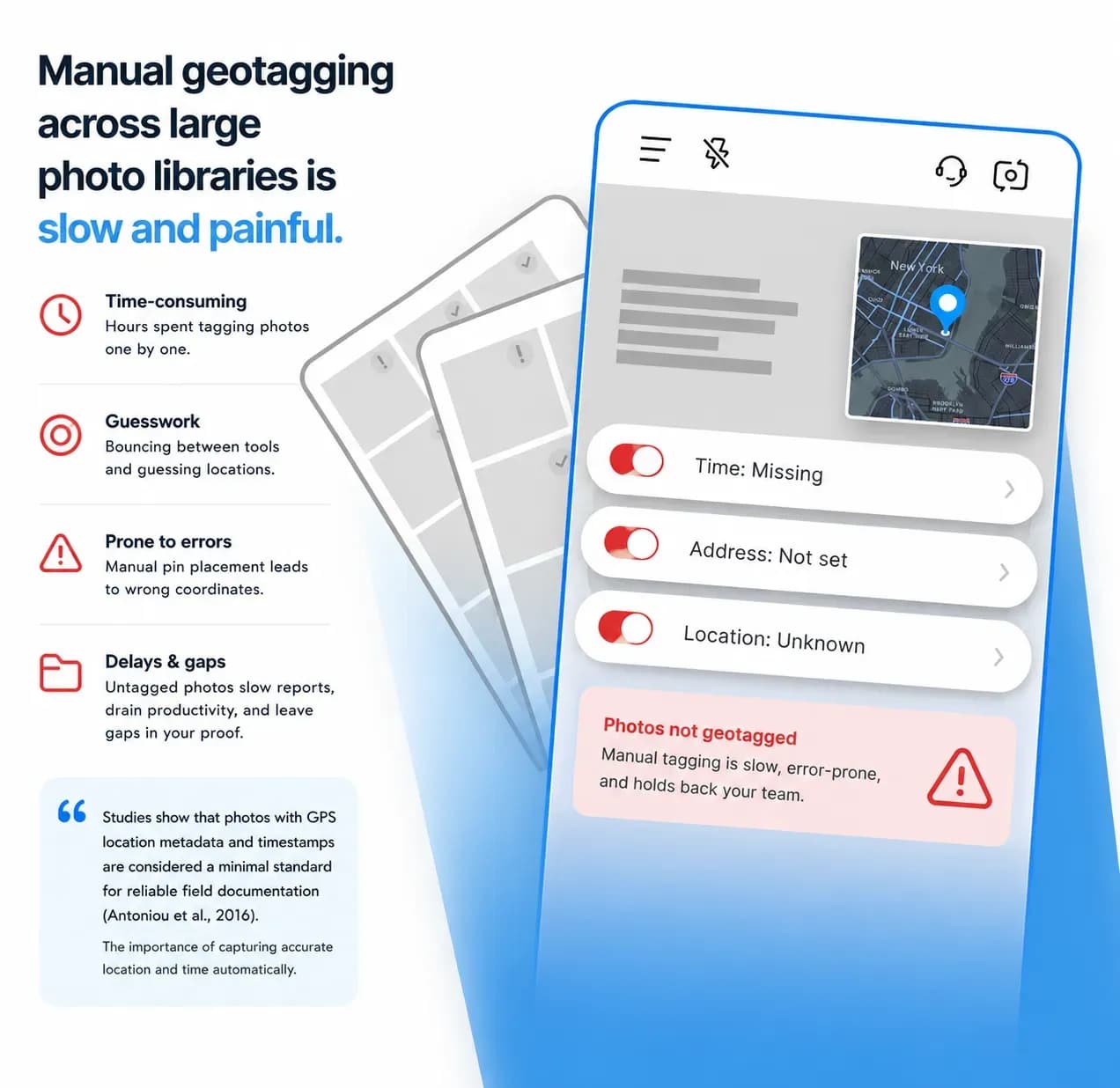
What Photo Chaos Really Costs
Lost Time:
Digging for scattered site photos across email, phones, and Dropbox burns hours every week, and the missed deadlines and late client updates eat into your profit.
Confused Teams:
With no clear system, your crew loses time hunting for the right shots, which breeds mistakes, repeated work, and frustrated staff.
Client Disputes:
Missing or disorganized photos spark arguments over progress and accountability, turning proof of completed work into a headache.
Up and Running in 3 Steps
1. Get the TimeMarkerGps App
Head to the app store, search for TimeMarkerGps, and install it. Open the app and grant camera and location permissions. That's it, just a few taps and you're ready, with no complicated setup.
2. Take Stamped Photos
Tap the camera button in TimeMarkerGps to shoot. Every photo picks up automatic GPS stamps and project tags, no manual edits, just clear proof of work.
3. Use It Right Away
TimeMarkerGps is built to be simple, with no training needed. Field crews and managers can jump in, snap photos, and find files with ease. Start streamlining your workflow within minutes.
Designed for Field Team Photo Sharing
Collect Photos Automatically
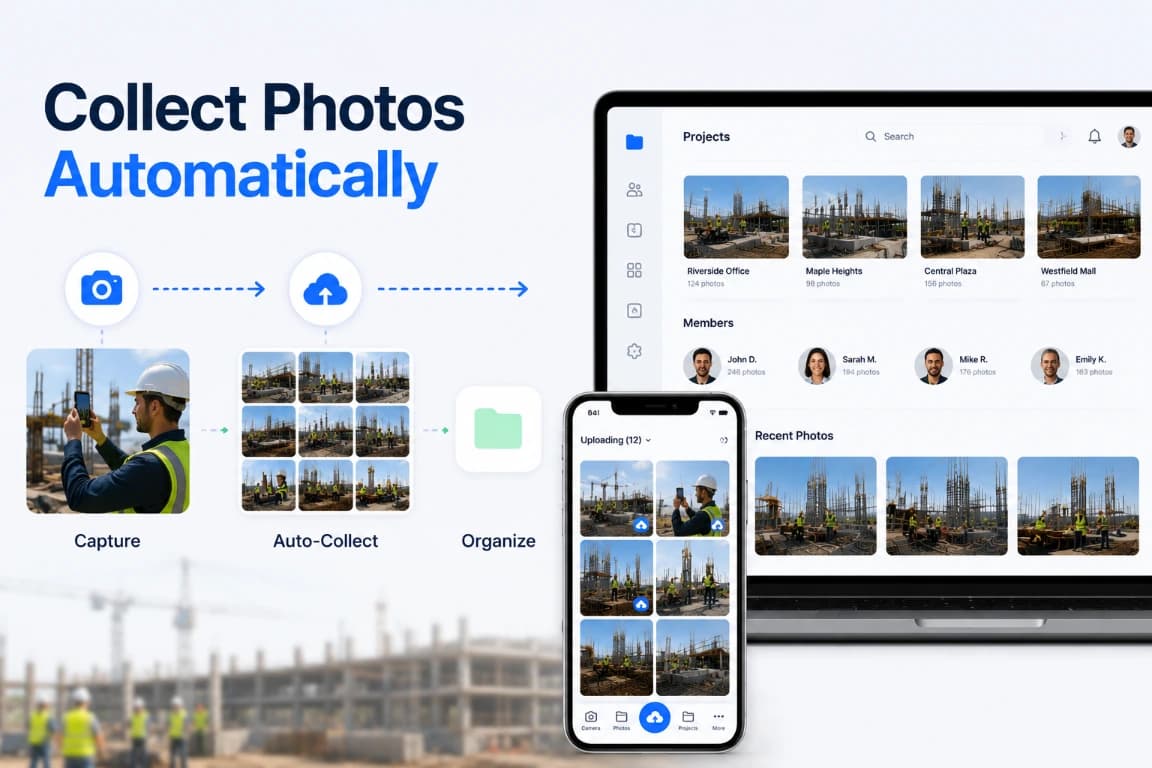
TimeMarkerGps's group photo sharing app gathers photos on its own and sorts them by project and member, giving you one source of truth instead of endless album scrolling.

Built-In Metadata Stamps
Every photo in TimeMarkerGps's group photo sharing app carries time, date, and GPS stamps, delivering clear supporting records of work—perfect for quality control and settling disputes.
Gallery, Sheet & Map Views
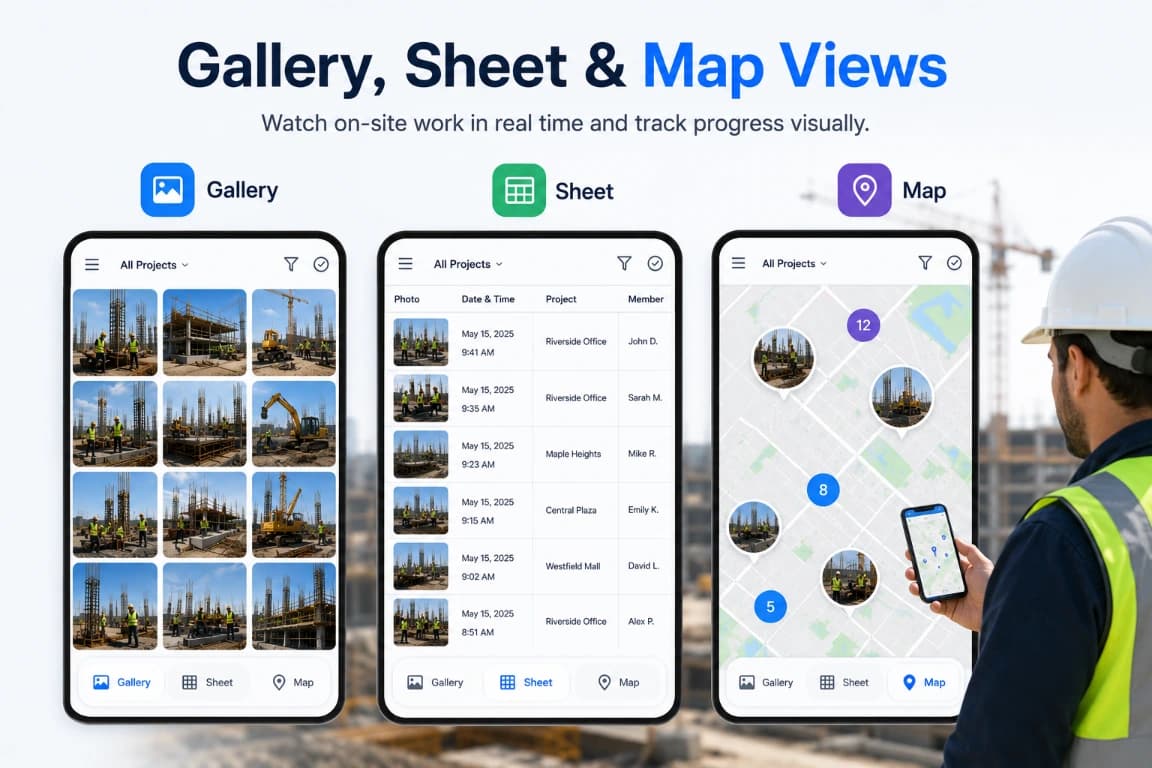
TimeMarkerGps's group photo sharing app gives you gallery, sheet, and map views, so you can watch on-site work in real time and track progress visually.
Share With a Photo Link
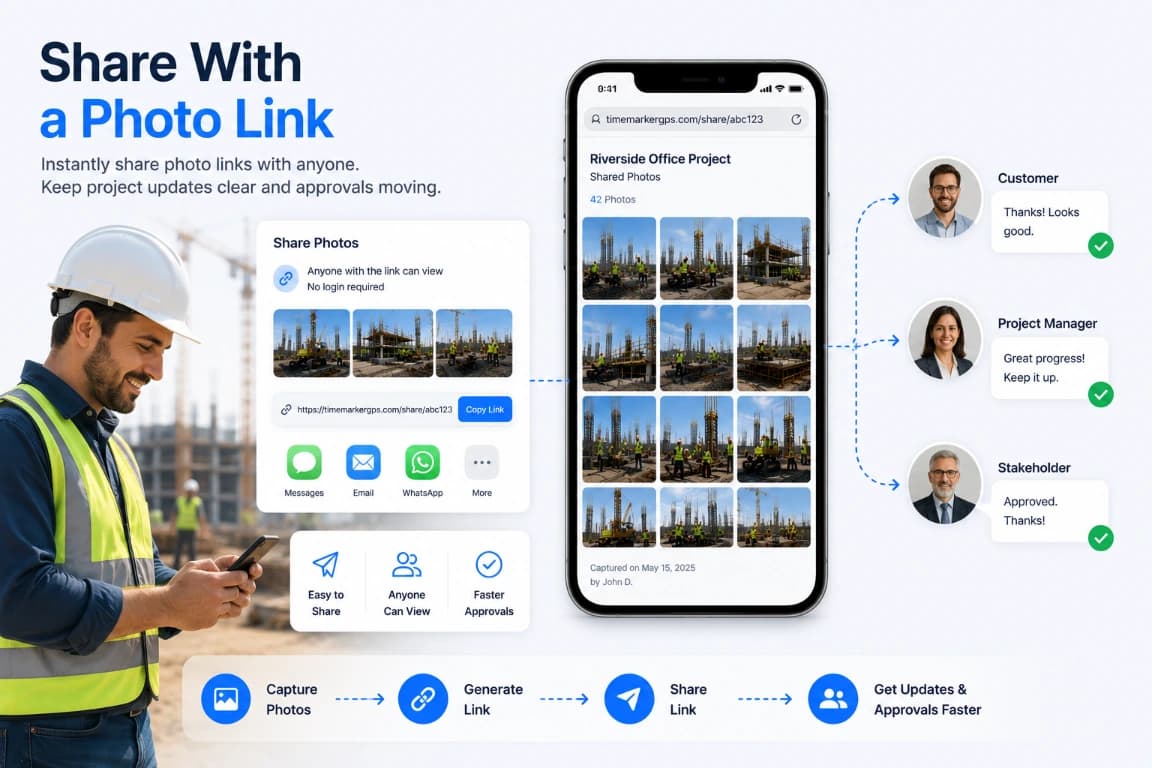
TimeMarkerGps's group photo sharing app lets you send photo links, smoothing communication with customers and stakeholders for quicker updates and approvals.
Stories From the Field
General Contractor
John, a general contractor, uses TimeMarkerGps's group photo sharing app to capture job-site photos before construction begins. Every shot carries time and GPS stamps, giving him clear proof that heads off costly post-project claims.
Site Inspector
Tom, a site inspector, used to spend half his day chasing photos—digging through email threads, scrolling WhatsApp, and nagging his team to send shots. Now TimeMarkerGps auto-collects every on-site photo and sorts it by project, so he checks installation quality fast with everything already organized.
Field Service Team
An HVAC field team kept getting complaints from clients who doubted the work was done right. Now they shoot "before, during, after" photos with TimeMarkerGps and send clients shared links, so trust goes up and complaints drop sharply.
Why It Pays Off
Workflow guidance
Choose project access and sharing controls based on the audience, then review the selected records before sending them.
Workflow guidance
Choose project access and sharing controls based on the audience, then review the selected records before sending them.
Workflow guidance
Choose project access and sharing controls based on the audience, then review the selected records before sending them.
Questions Teams Ask
TimeMarkerGps is the best group photo sharing app for sites and projects. It automatically gathers and organizes photos by team and member, backs them with GPS and timestamp proof, and lets you share online or spin up private albums in an instant.
Yes. TimeMarkerGps offers a free trial so your team can put its group photo sharing, online organization, and reporting tools to the test before committing.
Project review: Organize available updates by project and contributor so teams can compare field activity.
Reporting: Test the current report and delivery workflow with representative data; measure processing time rather than promising an instant result.
Team fit: Pilot roles, access, search, and review steps before rollout.
Use organized project photos and available team, project, time, and location context to prepare records for review. Confirm the report or data-delivery options available in the current version and test them against your stakeholder requirements.
Every photo carries time, date, and GPS stamps, giving clients, stakeholders, and your internal QC clear supporting records of work, which heads off costly disputes.
Start a Shared Field Photo Workflow
Set up a project workspace, invite the team, and keep incoming field photos organized by project and member. Share selected records without searching across personal camera rolls.