
Make Construction Progress Photography Effortless
Construction progress photography is effortless with the TimeMarkerGps app. It auto-collects site photos and organizes them by project and member, so you skip the manual work. Save time and keep your construction team on track with best-in-class documentation.

Designed for Construction Progress Tracking



Tired of Chasing Messy Construction Site Photos?
Use a repeatable schedule, comparable viewpoints, and concise notes so progress records can be reviewed over time.
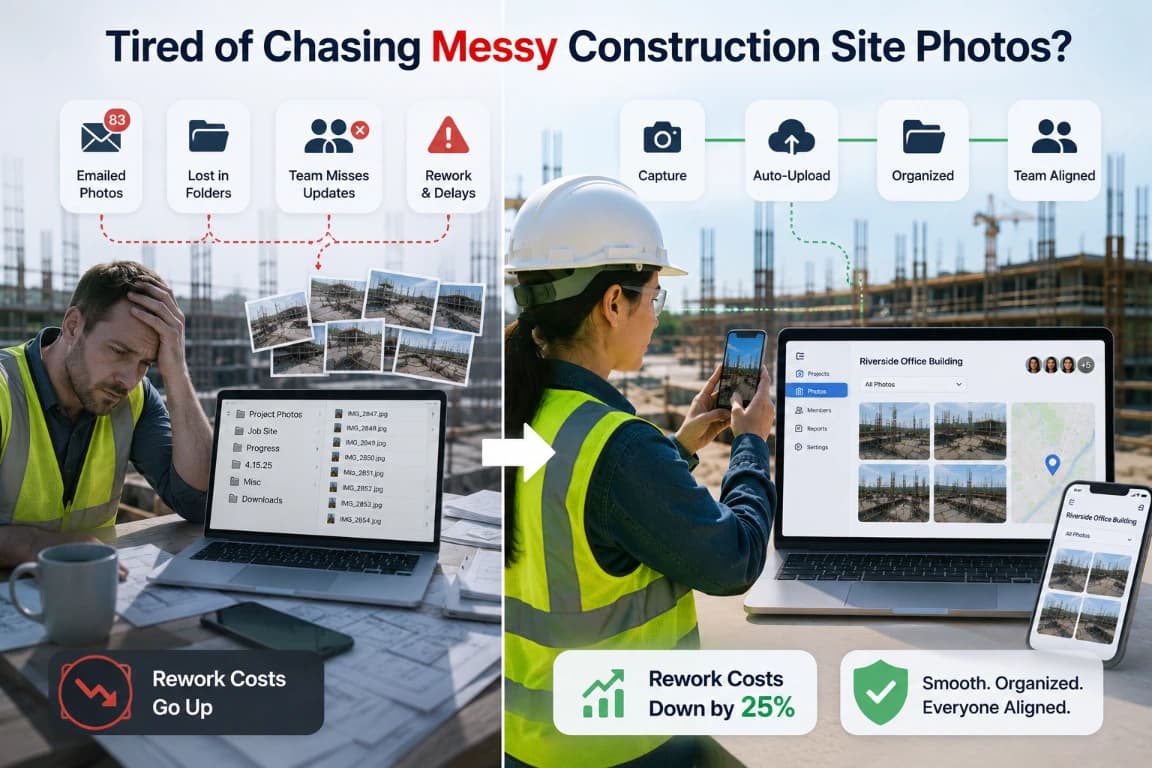
Why Consistent Progress Photos Matter
Construction progress photos are most useful when teams capture them at repeatable milestones and organize them by project, date, location, and crew. That structure makes visual timelines easier to review.
Inconsistent viewpoints
Photos taken from different positions make week-to-week progress difficult to compare. Define repeatable capture points for important work areas.
Missing milestones
When crews capture only finished work, teams lose the visual sequence behind concealed installations, changes, and inspections.
Unclear reporting periods
Mixed dates and projects make progress updates harder to assemble. Keep each capture connected to its project and reporting window.
Build a Repeatable Progress Photo Routine
Use the same capture points and project structure at each milestone so teams can compare progress over time.
1. Define capture points
Choose the areas, angles, and milestones that should be photographed repeatedly during the project.
2. Capture on schedule
Select the project, take the required views, and add a short note describing the visible stage or issue.
3. Compare the timeline
Review current and earlier records by project, date, location, or member to understand visible change.
4. Share the update
Select the relevant reporting period and share a project view or supported export after checking the included records.
What Makes Progress Photos Easier to Review
Consistent timing, location context, project labels, and notes turn individual site images into a useful visual timeline.
Milestone structure
Group recurring progress captures by project, date, crew, and available location context.
Comparable context
Use consistent notes and viewpoints so reviewers can understand what changed between reporting periods.
Flexible review
Use gallery, sheet, or map views according to whether the review focuses on sequence, record details, or location.
Where Progress Photography Fits the Build
Use progress photos during scheduled milestones, coordination reviews, change tracking, and stakeholder updates.

Repeatable Milestone Captures
Photograph the same areas at agreed project milestones. Organize each capture by project and date so reviewers can compare visible changes without rebuilding the timeline manually.
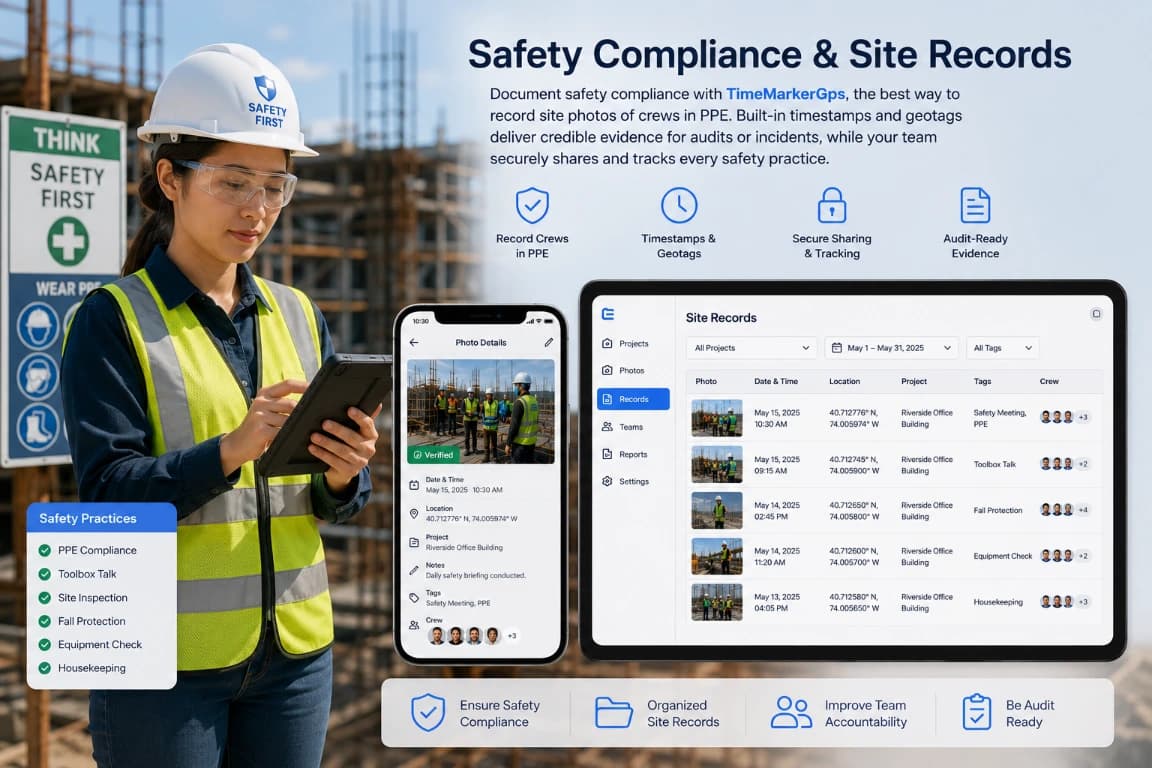
Visual Safety Walk Records
Use progress rounds to record visible site conditions, access routes, signage, and PPE observations. Photos provide context for follow-up; they do not replace a formal safety inspection.
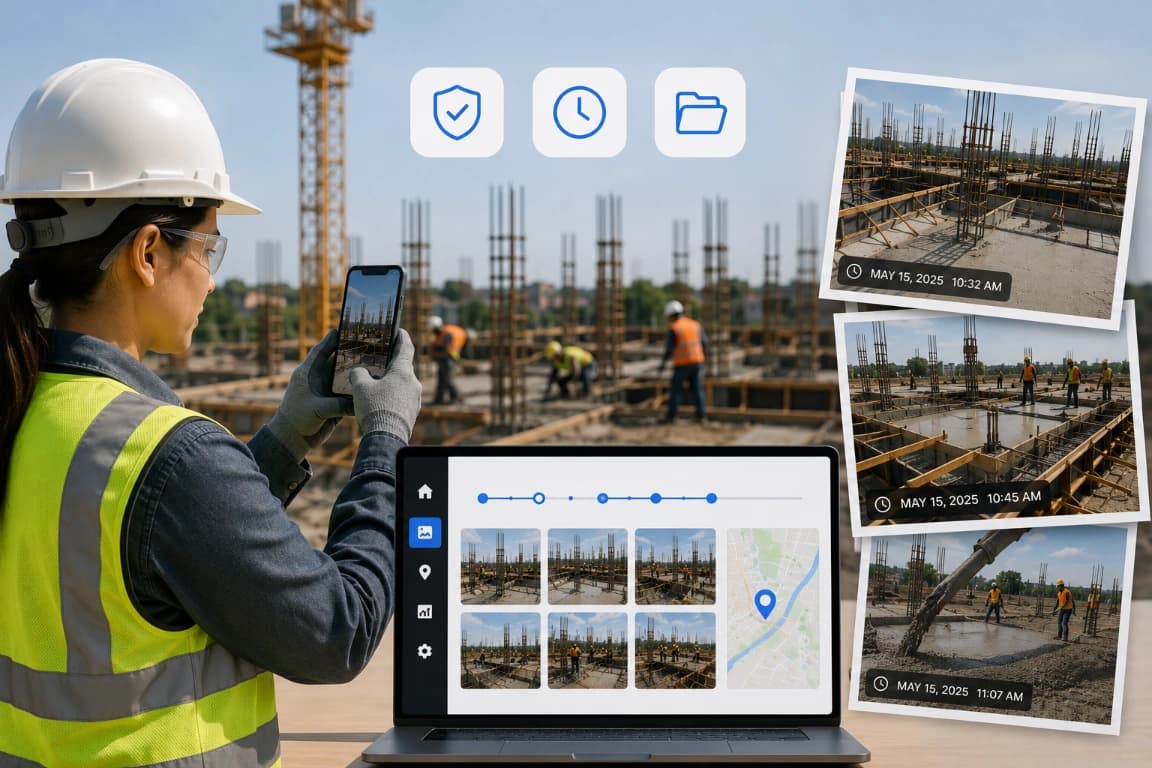
Changes, Delays, and Issue Timelines
Capture an issue when it is found, add a clear note, and document subsequent work from comparable viewpoints. The sequence helps teams discuss what changed and when.
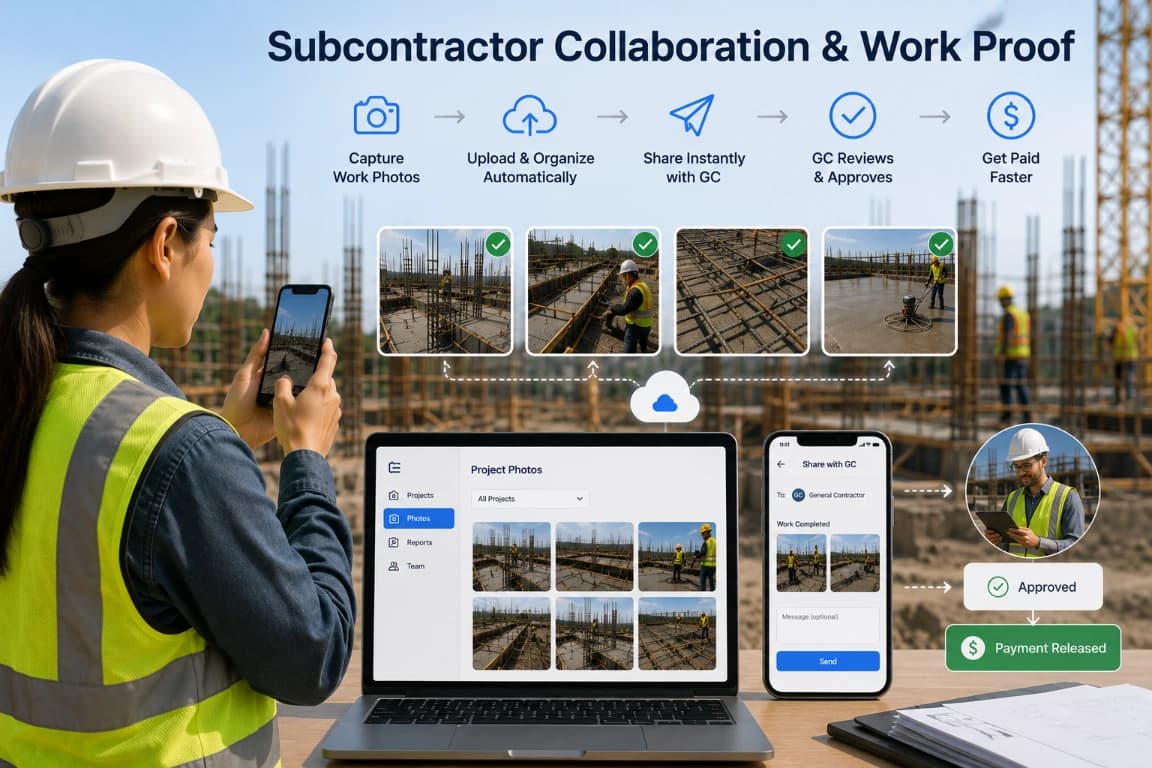
Subcontractor Completion Updates
Ask subcontractors to capture agreed deliverables before leaving the work area. Project-organized photos help coordinators review completion status and request missing context.
Workflow Review Checklists
Use these checks as a starting point, then adapt them to your team’s process, permissions, and reporting requirements.
Weekly milestone review
Review the relevant project records, confirm that required context is present, and document any follow-up before sharing or exporting.
Concealed-work record
Review the relevant project records, confirm that required context is present, and document any follow-up before sharing or exporting.
Change sequence
Review the relevant project records, confirm that required context is present, and document any follow-up before sharing or exporting.
Stakeholder update
Review the relevant project records, confirm that required context is present, and document any follow-up before sharing or exporting.
Closeout timeline
Review the relevant project records, confirm that required context is present, and document any follow-up before sharing or exporting.
Missing-view follow-up
Review the relevant project records, confirm that required context is present, and document any follow-up before sharing or exporting.
Questions Field Teams Ask Most
Yes. Time-lapse turns months of construction into a clear visual story of progress. With TimeMarkerGps you can capture, sort, and store site photos, videos, and 360° content, keeping records organized and your team on track.
The best approach is to capture site images at every stage with TimeMarkerGps, keeping each shot grouped under its selected project so teams can track milestones and maintain accurate site documentation.
TimeMarkerGps keeps a shared photo library in real time—a practical way to sync field and office teams, cut miscommunication, and make sure everyone has the latest construction progress updates.
TimeMarkerGps integrates with fixed-site cameras and drones using interval shooting—ideal for long-term time-lapse sequences that give a complete visual record of construction progress from start to finish.
The typical 7 stages of construction are:
1. Planning & Design – Developing architectural and engineering plans.
2. Pre-Construction – Permits, budgeting, and scheduling.
3. Site Preparation – Clearing, excavation, and utility setup.
4. Foundation – Laying the base structure.
5. Superstructure – Building walls, roofs, and main structural elements.
6. Finishes & Installations – Electrical, plumbing, flooring, and painting.
7. Project Closeout & Handover – Final inspection, punch lists, and delivery.
💡 How TimeMarkerGps helps: TimeMarkerGps documents each stage automatically with photos, GPS, and timestamps, so stakeholders can visually track progress without manual sorting—making inspections and reporting far easier.
What is the 20-60-20 rule in photography?
Use a repeatable schedule, comparable viewpoints, and concise notes so progress records can be reviewed over time.
Collect photos from supported devices and organize them by project, contributor, or stage. Then test the report, download, or sharing options available in the current version. Confirm client or government requirements independently before adopting a delivery format.
A simplified 5-stage construction project framework:
1. Initiation & Planning – Define scope and feasibility with input from clients and government when permits are required.
2. Design Development – Detailed drawings, materials selection, and approvals.
3. Procurement & Mobilization – Hiring contractors and sourcing materials for execution.
4. Construction – Actual building work, inspections, and quality control.
5. Closeout & Handover – Deliver completed services to clients and provide documentation for government compliance.
💡 How TimeMarkerGps helps: TimeMarkerGps automatically documents each stage of the project with geo-tagged photos and timestamps, so clients and government agencies receive reliable evidence of progress while project teams manage services efficiently.