
TimeMarkerGps vs. Email Attachments
Ditch the bulky email attachments, endless threads, and missing files.

Why TimeMarkerGps Beats Emailing Job Photos

Quick to Find, Easy to Read
❌Email: Photos get buried in long email threads, are a pain to filter, and usually show up with no notes or context.
✅TimeMarkerGps: Every photo is auto-stamped with time, GPS, and notes, then sorted by project, date, or crew in Teamspace.
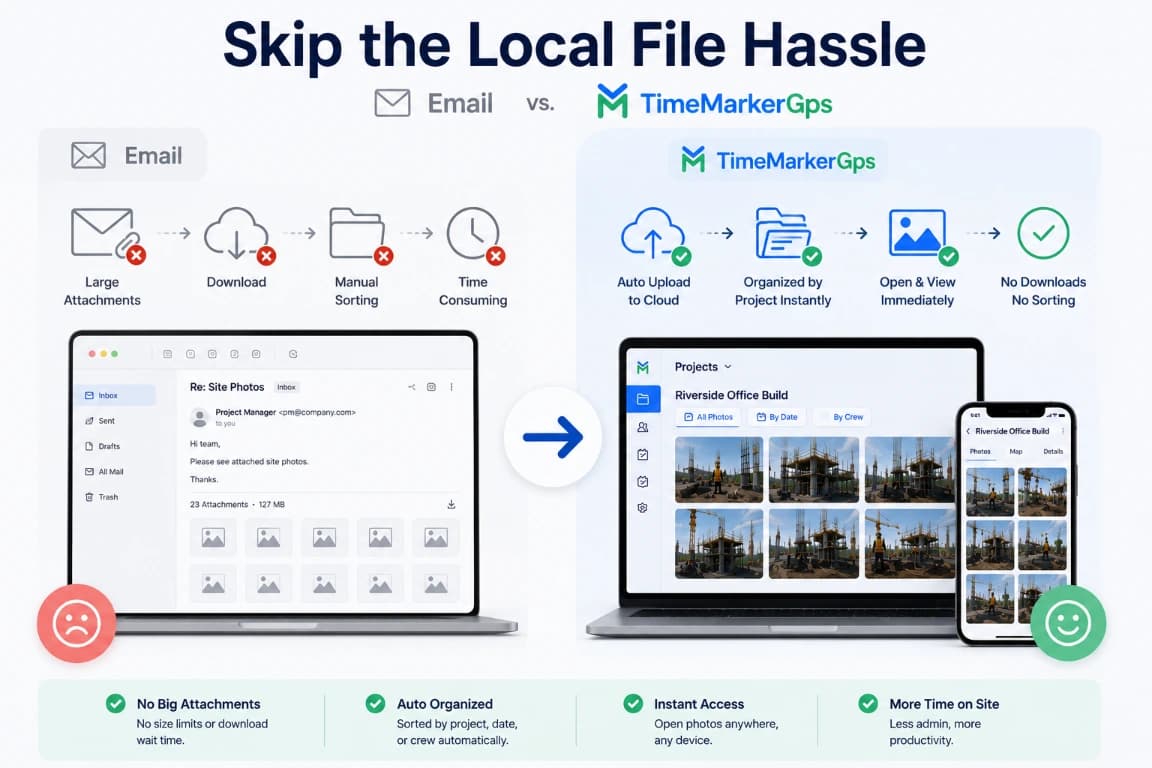
Skip the Local File Hassle
❌Email: Recipients have to download hefty attachments and sort them into local folders by hand.
✅TimeMarkerGps: Photos upload to the cloud automatically, get organized by project instantly, and open with no downloads or manual sorting.
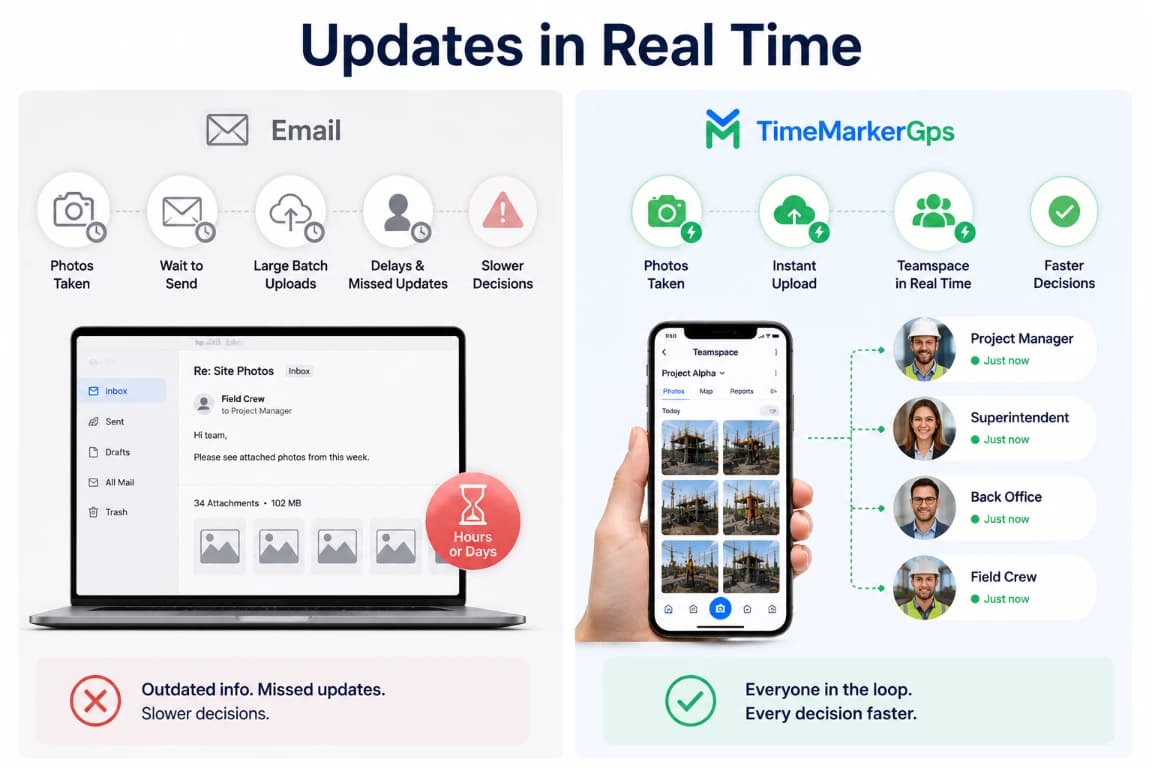
Updates in Real Time
❌Email: Field crews wait on daily or weekly photo dumps—and sometimes forget to send them at all—which slows every decision.
✅TimeMarkerGps: Photos upload to Teamspace the instant they're taken, keeping team leads and the back office in the loop in real time.
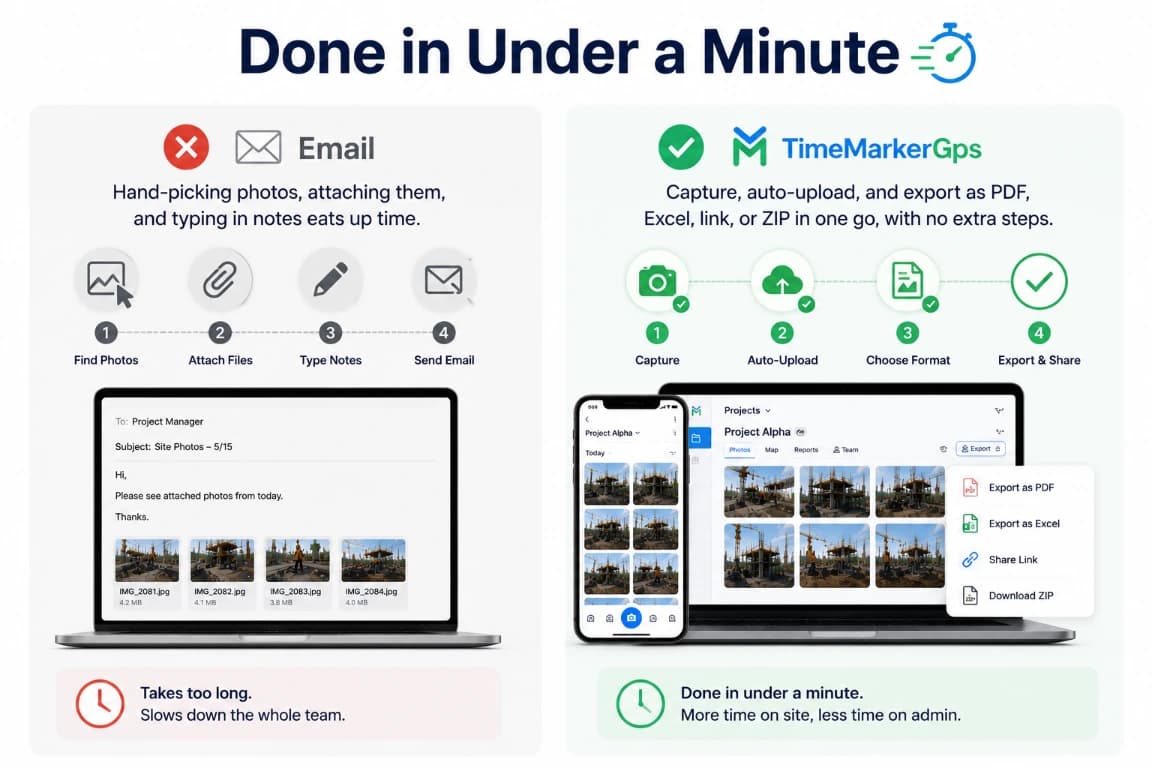
Replace Email Attachments With a Structured Photo Workflow
Email requires teams to select files, attach them, and add context repeatedly. TimeMarkerGps can keep supported photos associated with project and contributor details. Compare current report, download, and sharing options using the file sizes, recipients, and access controls required by your team.