
a practical Proof of Delivery Photo App
Snap time-stamped, geotagged delivery photos with TimeMarkerGps. Ditch messy manual tracking and keep customers happy.
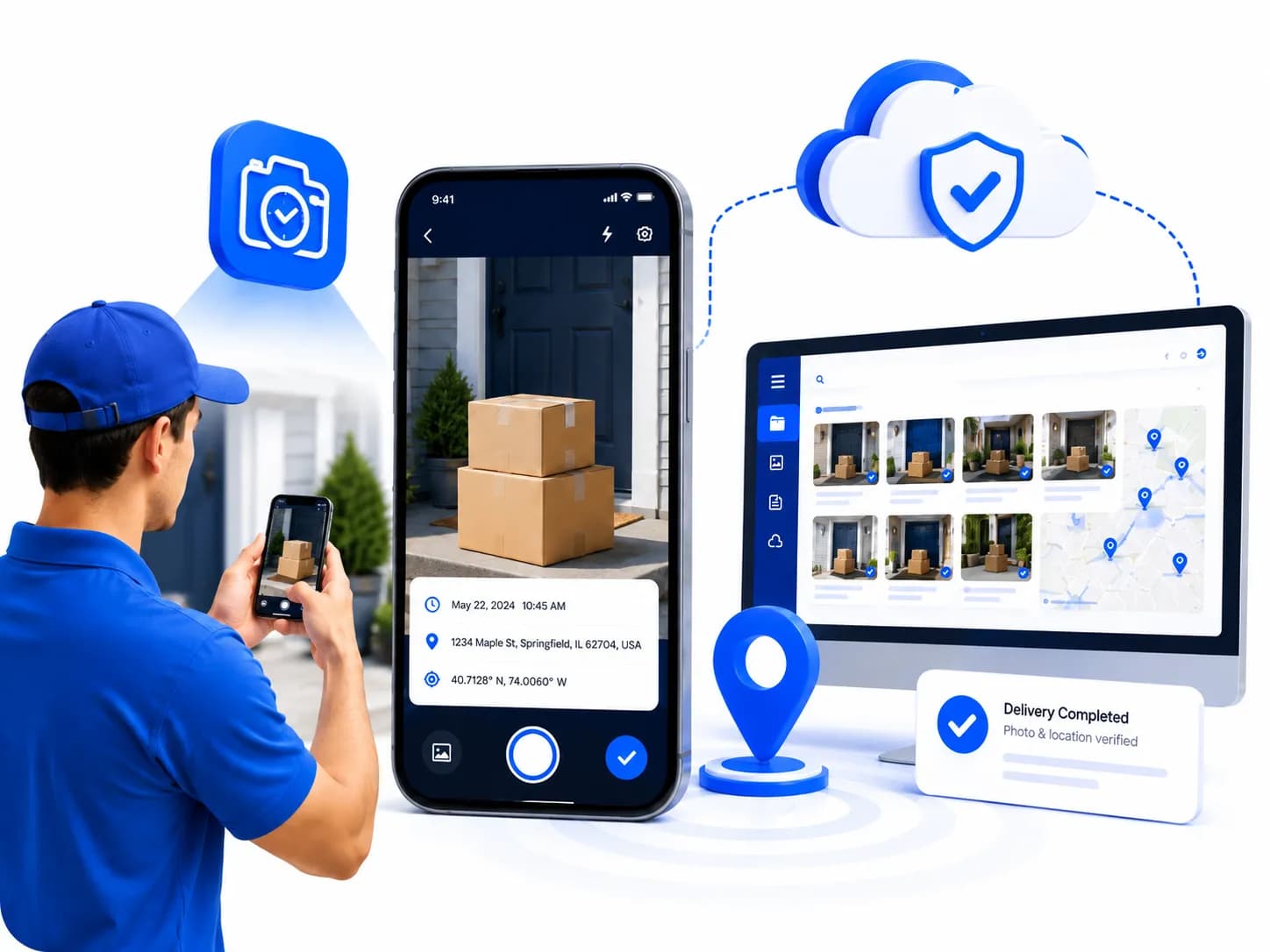
Built for Delivery and Field Teams



Clear Delivery Records Reduce Follow-Up
A delivery photo is more useful when it includes the recorded time, location, project, and notes. Keeping those details together helps teams answer customer questions and review completed drop-offs.

How It Keeps Proof Solid
See how TimeMarkerGps keeps your proof of delivery records accurate
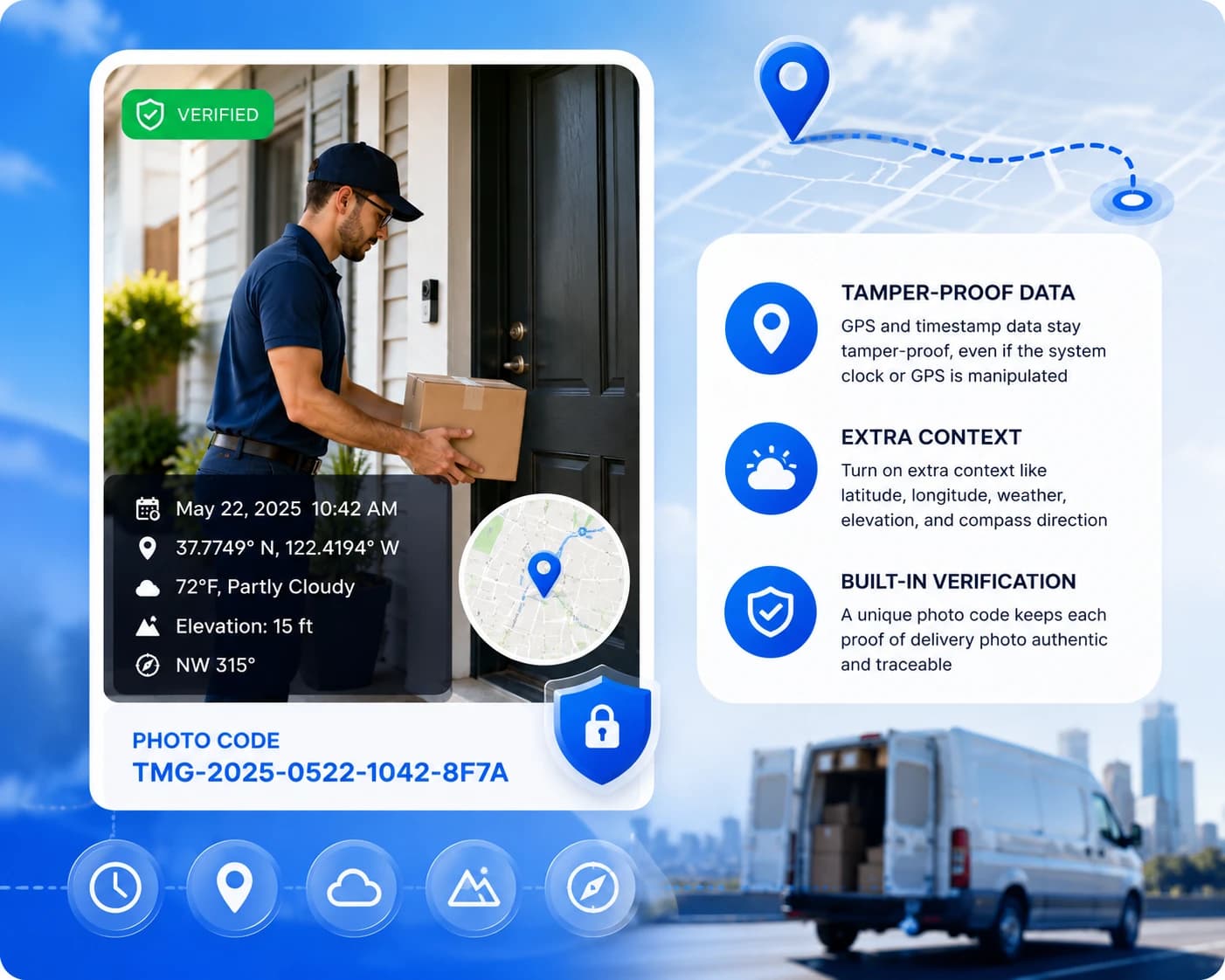
Add Time and Location Context to Delivery Photos
Supported delivery records can include device-supplied time and GPS fields for later review with order and route documentation.
- Review stored time and location fields alongside the delivery photo
- Add available latitude, longitude, weather, elevation, and compass context when needed
- Use a supported photo code to retrieve the associated stored record
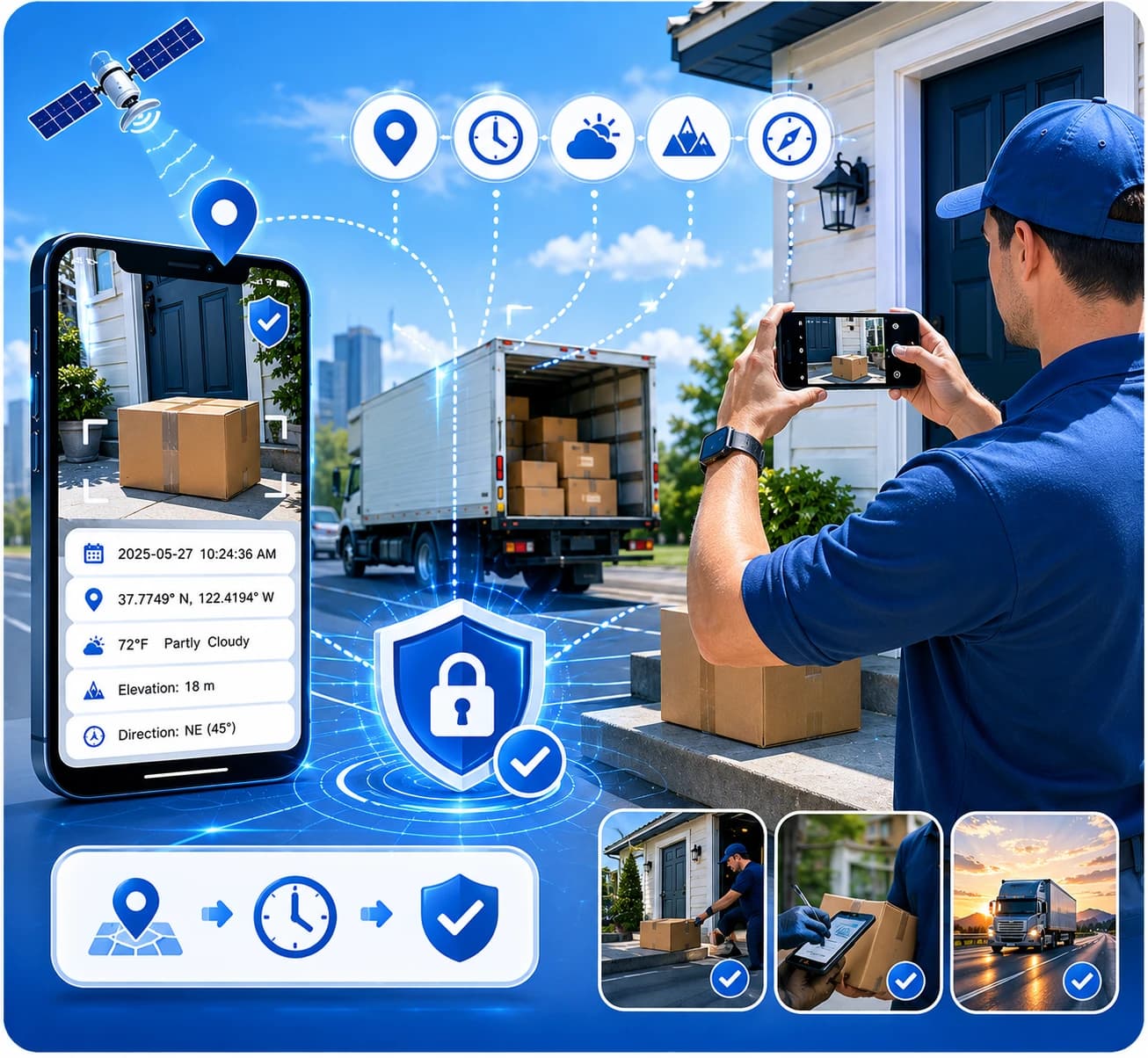
Map Overlay & Route View
Drop a compact map overlay that automatically marks exactly where each delivery happened. Check any photo's location instantly from the web portal.
- Toggle the map field on to add a pin showing the capture location
- Follow delivery routes on a clear, easy-to-read map layout
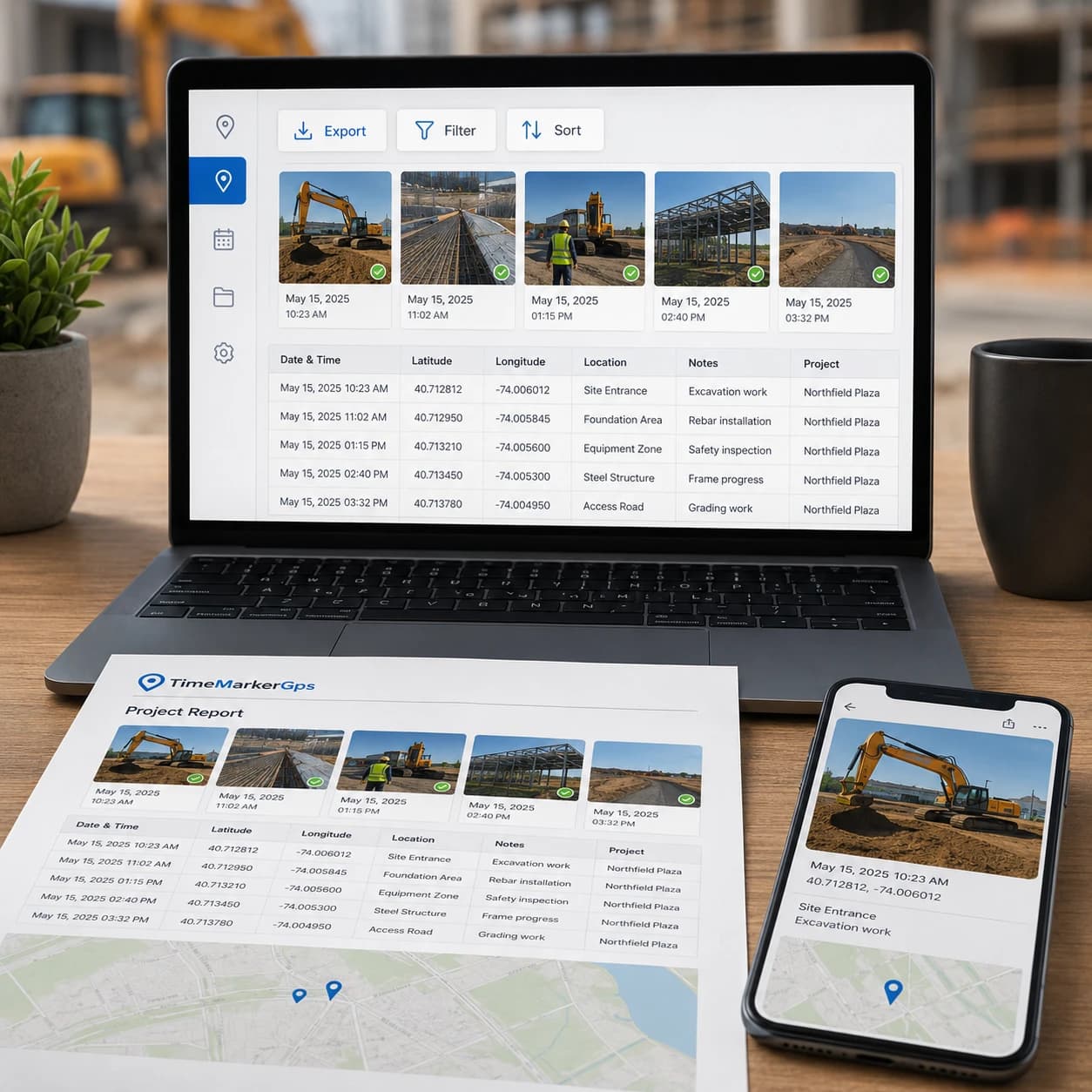
Delivery Reports in Minutes
Turn all your organized proof of delivery photos into professional reports in minutes. Cut the admin grind and spend more time on actual deliveries and logistics.
- Export GPS photo locations, timestamps, and notes in a single file for easy record-keeping
- Sort or filter by delivery date or driver for fast analysis in Excel
- Keep verifiable proof of delivery ready to share with management or carriers
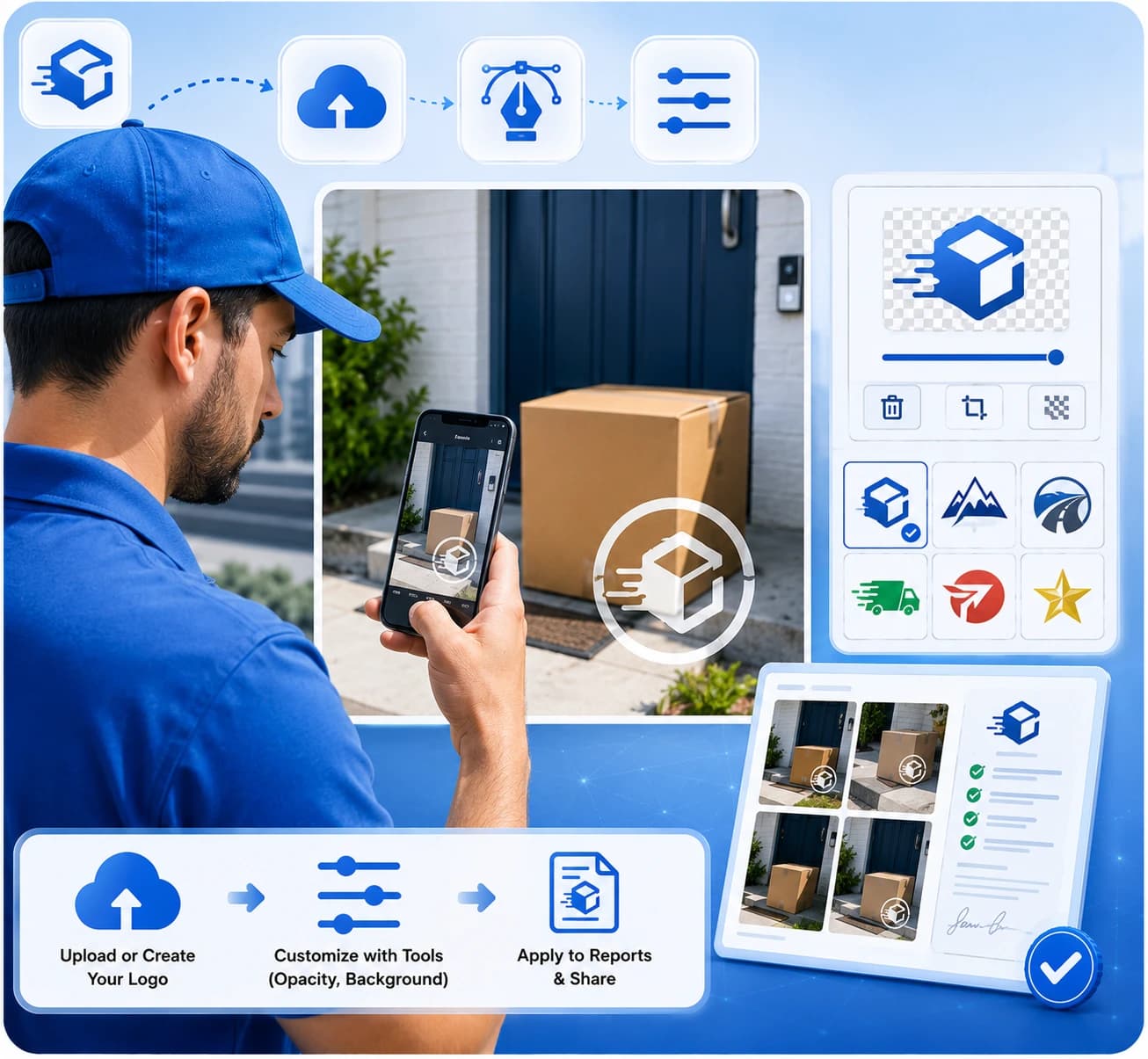
Add Your Company Logo
Look professional and lock in proof on every image. Stamp your company logo onto proof of delivery photos—for mail, DoorDash, Amazon, or freight—turning them into branded, verifiable evidence.
- Add a logo by uploading, searching within the app, or creating one with art text
- Fine-tune logos with tools like background remover and opacity control
- Apply your logo directly to client-ready reports
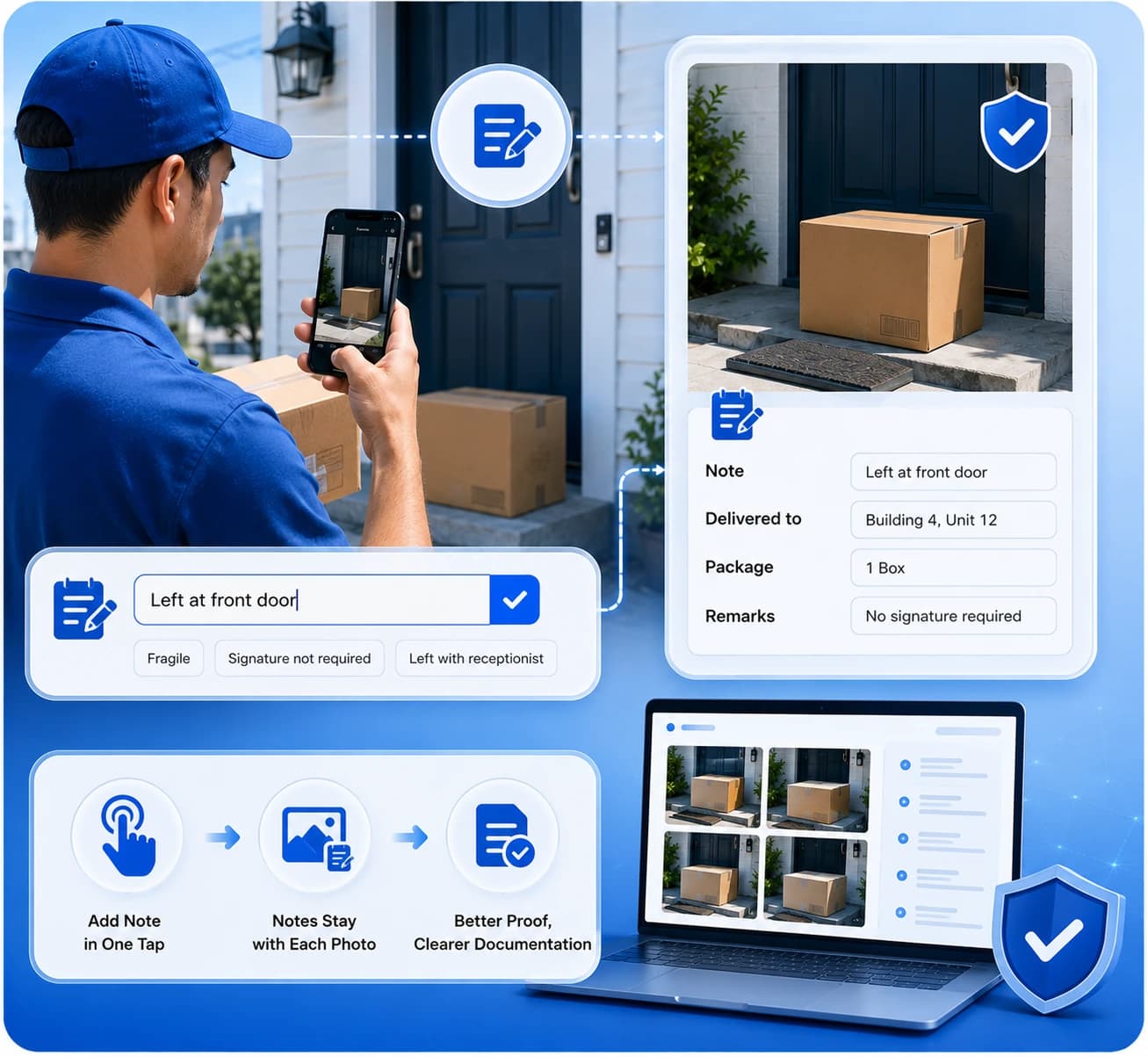
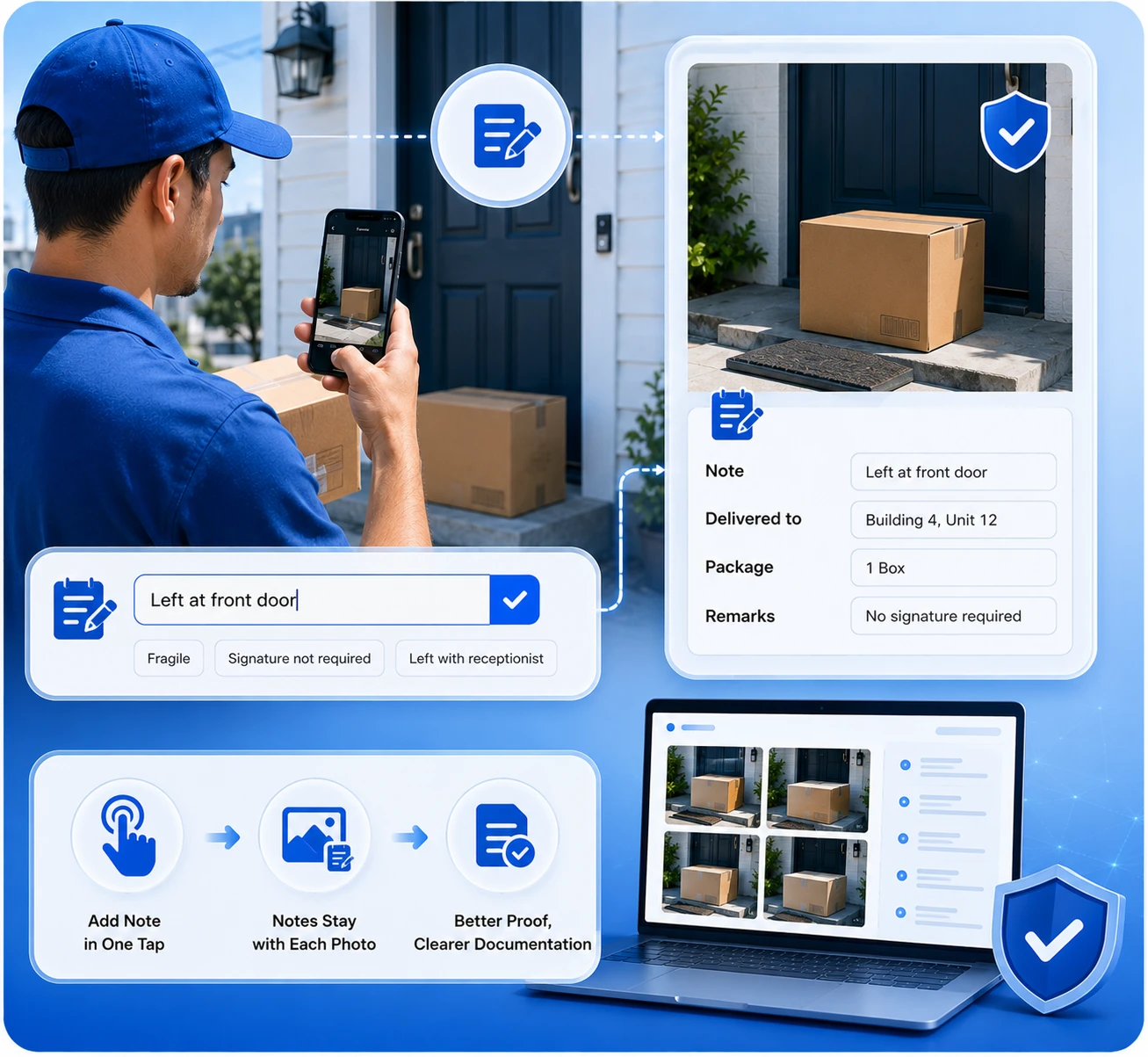
Note Every Delivery Detail
Keep the details that matter pinned to every proof of delivery photo. Add notes in a tap, so your team knows what was delivered, where, and any remarks.
- Enter a quick note in a single tap for faster annotation
- Notes stay attached to each photo for team reference and reporting
- Pair visual data with written context to simplify proof and documentation
Capturing Proof of Delivery in 3 Steps

1. Get the TimeMarkerGps App
Head to the app store, search for TimeMarkerGps, and install it. Open the app and grant camera and location permissions. That's it, just a few taps and you're ready, with no complicated setup.
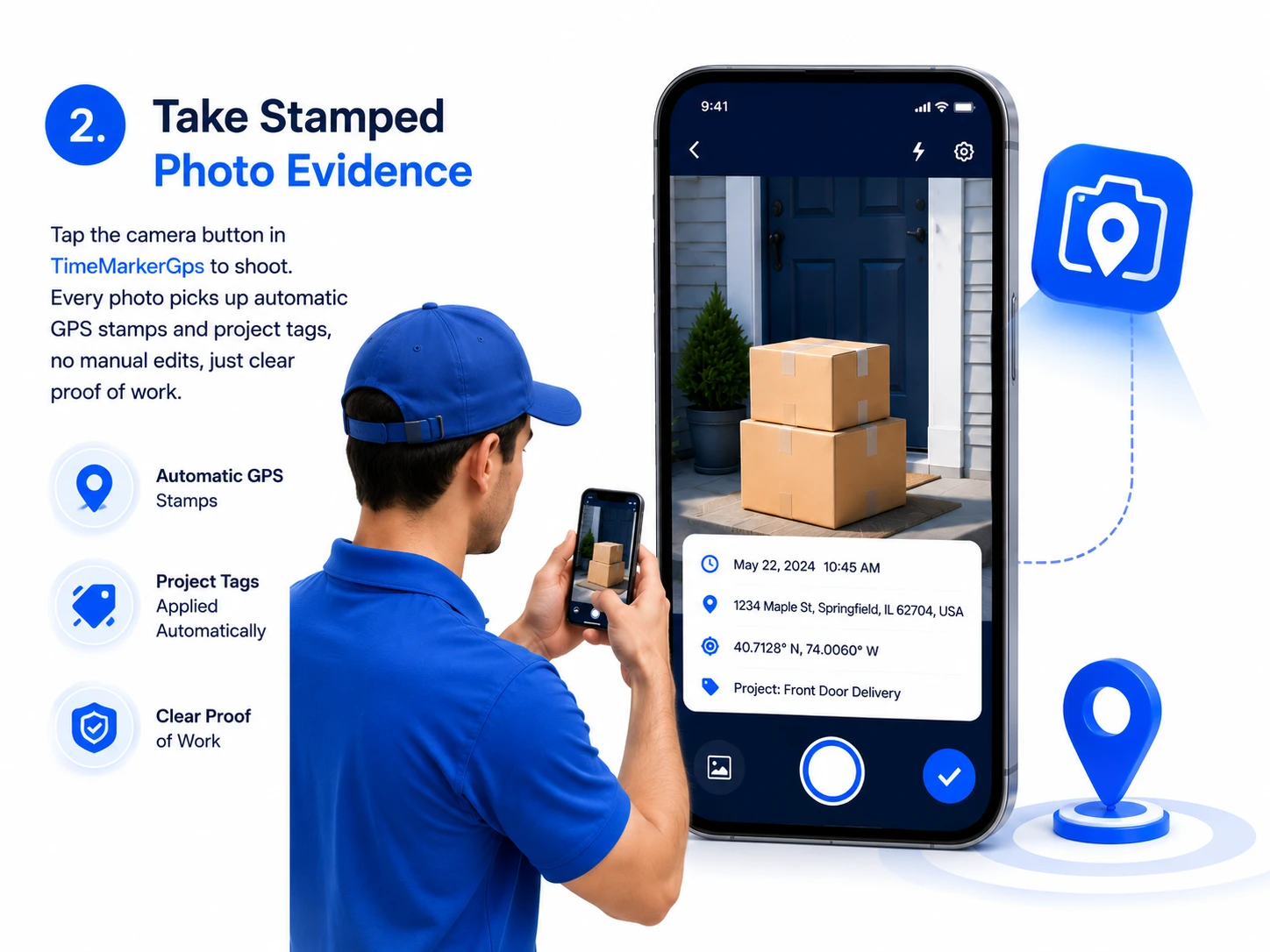
2. Take Stamped Photo Evidence
Tap the camera button in TimeMarkerGps to shoot. Every photo picks up automatic GPS stamps and project tags, no manual edits, just clear proof of work.
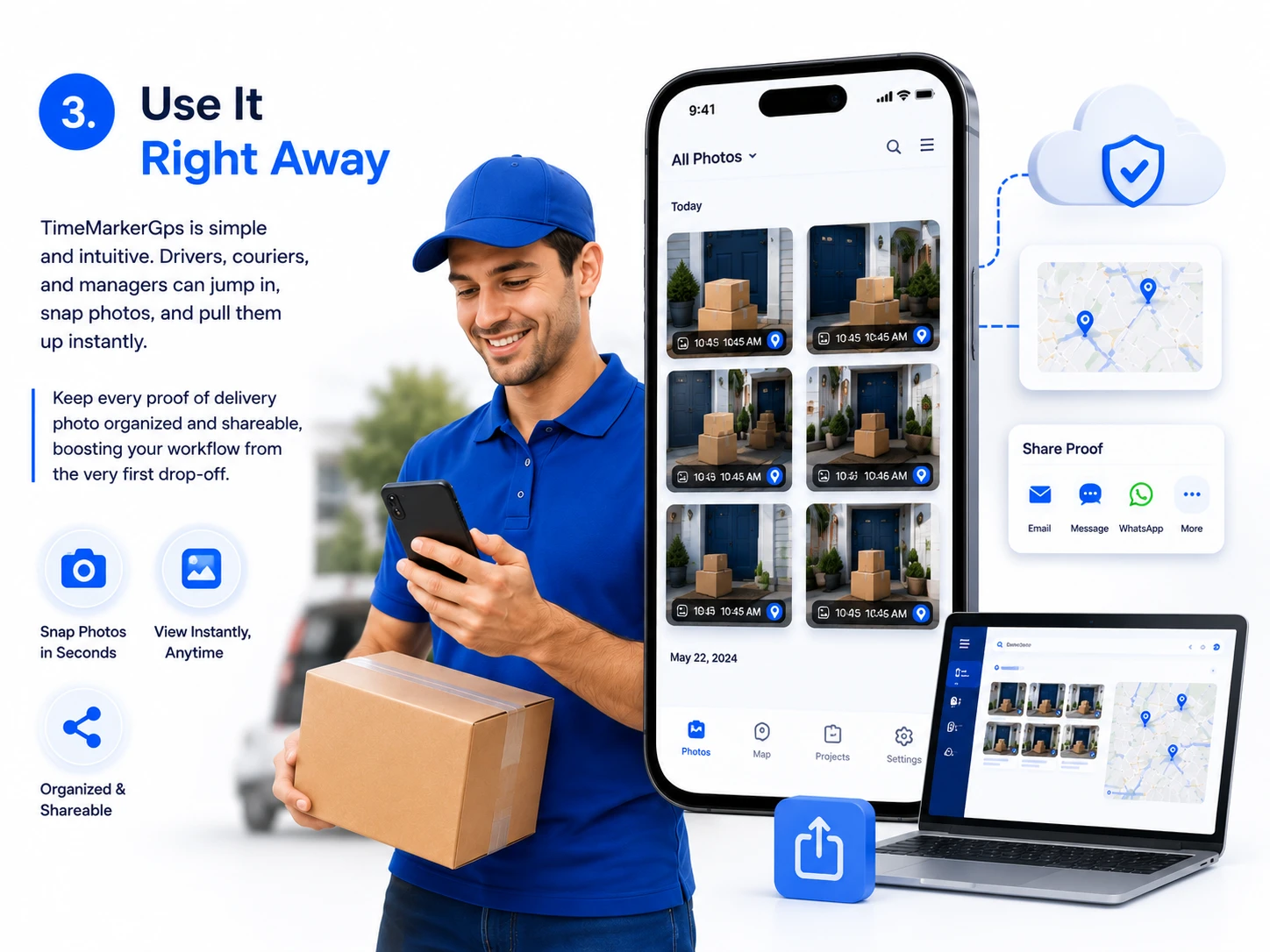
3. Use It Right Away
TimeMarkerGps is simple and intuitive. Drivers, couriers, and managers can jump in, snap photos, and pull them up instantly. Keep every proof of delivery photo organized and shareable, boosting your workflow from the very first drop-off.
Beyond Delivery: More Use Cases
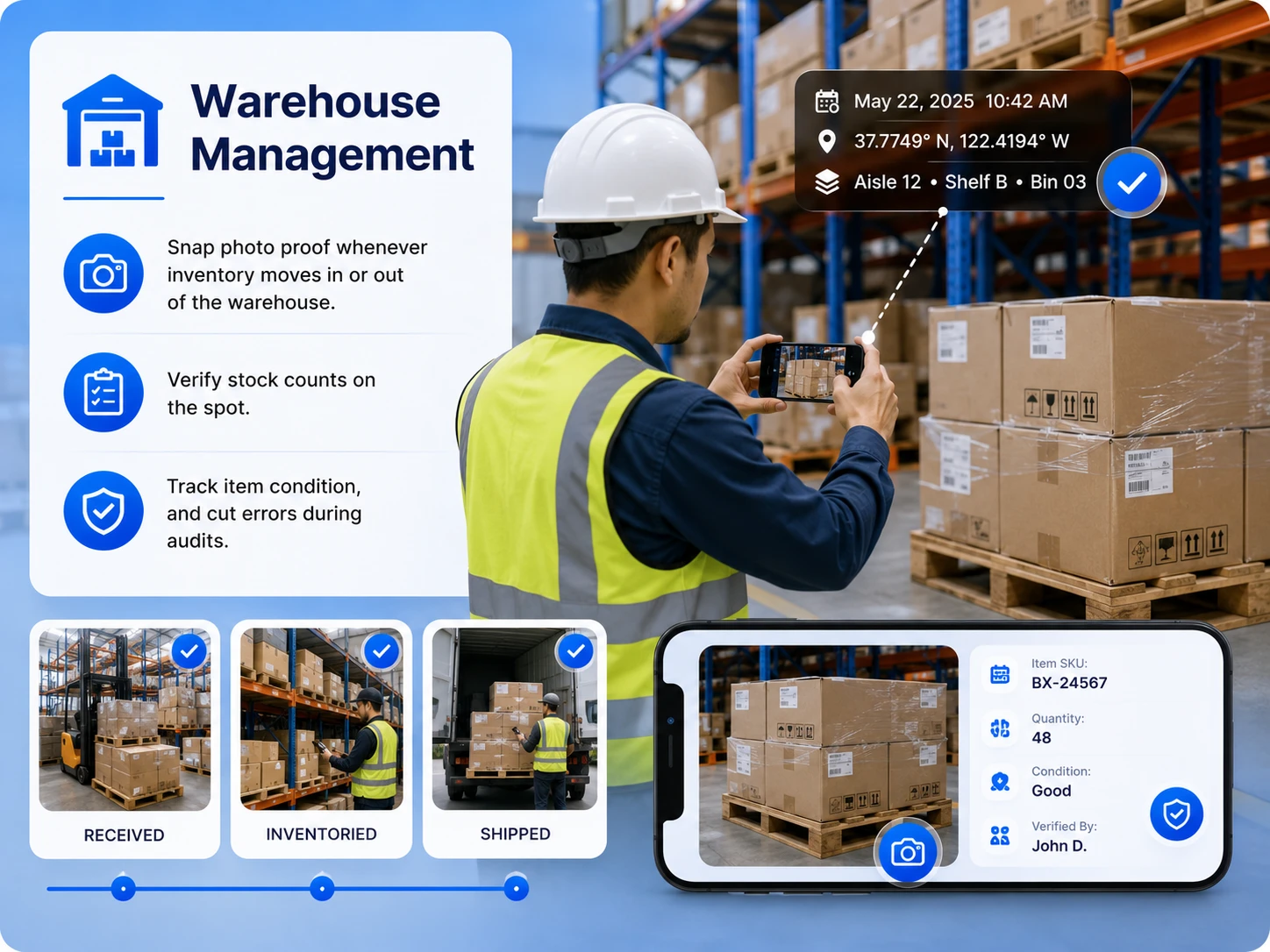
Warehouse Management
Snap photo proof whenever inventory moves in or out of the warehouse. Verify stock counts on the spot, track item condition, and cut errors during audits.
Construction & Engineering
Need to track build progress or settle on-site conflicts? TimeMarkerGps stores time-stamped site photos as your legal safety net—no more he-said-she-said.
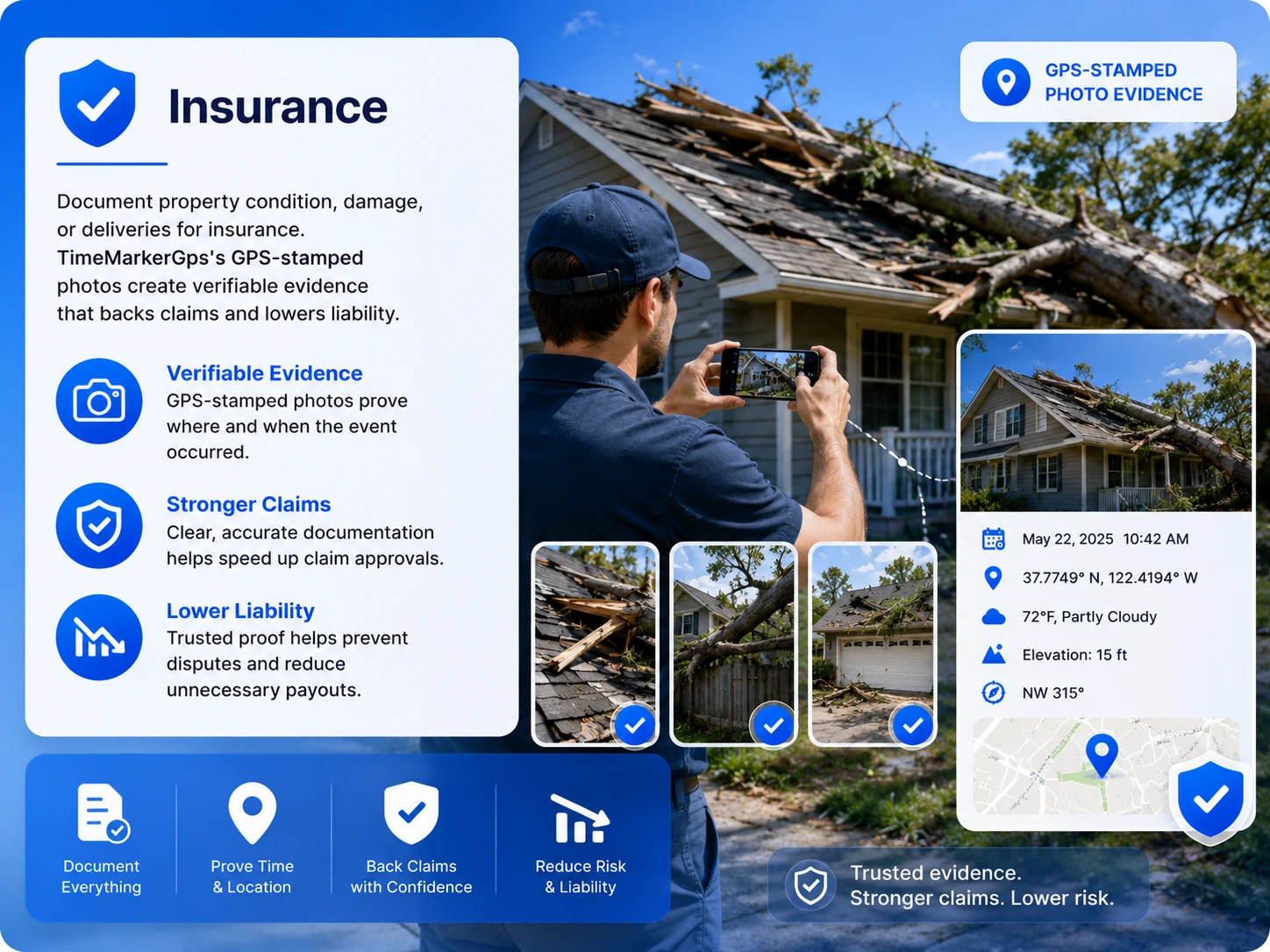
Insurance
Document property condition, damage, or deliveries for insurance. TimeMarkerGps's GPS-stamped photos create verifiable evidence that backs claims and lowers liability.
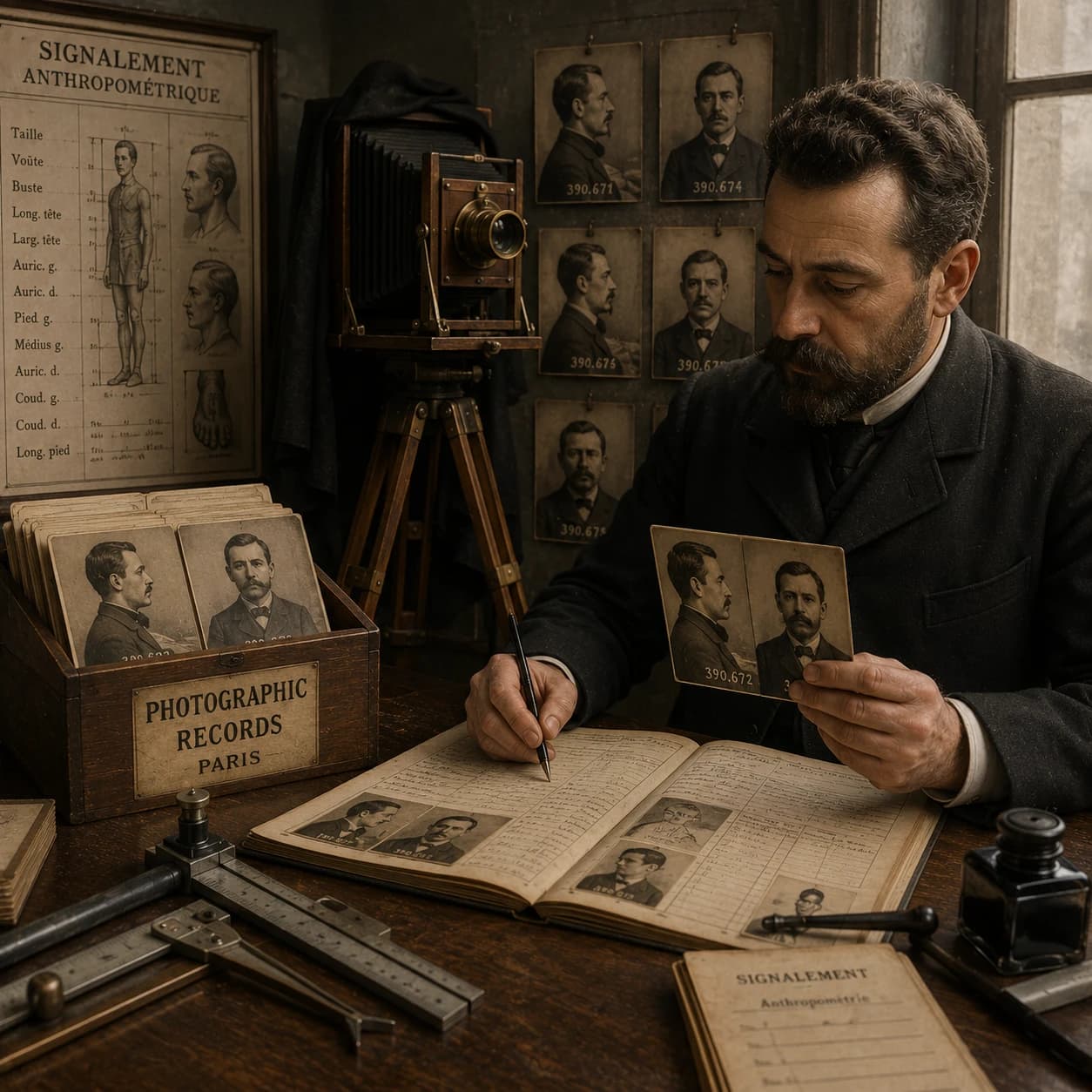
A Fun Slice of Photo History
Did you know the "mug shot" dates back to the 1800s? Alphonse Bertillon introduced it and turned crime photos into formal records. Here's the twist: a photo isn't the whole reality, it's a hand-picked slice of it. Photographers still swap stories about the shots that slipped away—a reminder that photo evidence has always carried its own challenges.
★★★★★
"TimeMarkerGps's photo codes keep every shot from our site verifiable. It's the best authentication tool we've used to keep records clean and credible, and one-tap report sharing means the office hears about cable installs much sooner."
★★★★★
"Our crew's photos were a mess, no location, no context. These days TimeMarkerGps stamps, maps, and verifies every single image, so the constant 'where was this?' chasing is finally over."
★★★★★
"The general contractor swore we were running late. I answered with a TimeMarkerGps report holding a week's worth of timestamped photos. There's no better app for giving us the proof we need to protect our reputation, and our pay."
Proof of Delivery FAQs
A dedicated app can keep a delivery photo associated with available order, contributor, time, GPS, and note fields. That structured context can make customer-service and liability reviews easier than relying on an unorganized camera gallery.
Review the stored time and GPS fields alongside the delivery order, route, driver, recipient notes, and any other operational records. Device clocks and GPS readings have limitations; the current product should not be described as independently blocking clock changes or fake-GPS tools unless that capability has been technically verified.
A delivery photo with useful order, contributor, time, location, and note context can support a chargeback response. It does not guarantee reversal or eliminate fees; the result depends on the payment provider, merchant agreement, claim details, and supporting records.
You can automate it in a few steps:
1. Create a team in Teamspace and invite your drivers.
2. As drivers capture photos, they're uploaded and collected automatically.
3. The system sorts and tags every delivery photo by Project, Date, or Member, cutting out manual work.
TimeMarkerGps can keep delivery photos associated with available project, contributor, time, GPS, and note fields. These records can help a worker and manager explain the documented delivery, while the reviewer determines what additional evidence is required.
Start Capturing Reliable Proof of Delivery
Download TimeMarkerGps to capture time-stamped delivery photos, cut chargebacks, and smooth out your workflow. Get started right away!