
TimeMarkerGps vs. SharePoint
No complicated setup or training, just simplicity, flexibility, and seamless team collaboration.
Why TimeMarkerGps Is the Best SharePoint Alternative

Scales With Your Team
SharePoint: SharePoint takes training to set up sites, manage permissions, and find your way around libraries—and subscriptions lock you into annual plans.
TimeMarkerGps: TimeMarkerGps is quick to set up. Users get the hang of applying time and geolocation watermarks, switching between photo views, and sharing them in under a minute. Monthly billing lets teams scale whenever they need to.

Zero Manual Uploads
TimeMarkerGps can keep supported field photos associated with project and contributor context in a shared workspace. Test capture behavior with limited connectivity, check how pending records are displayed, and confirm what happens after the connection returns.
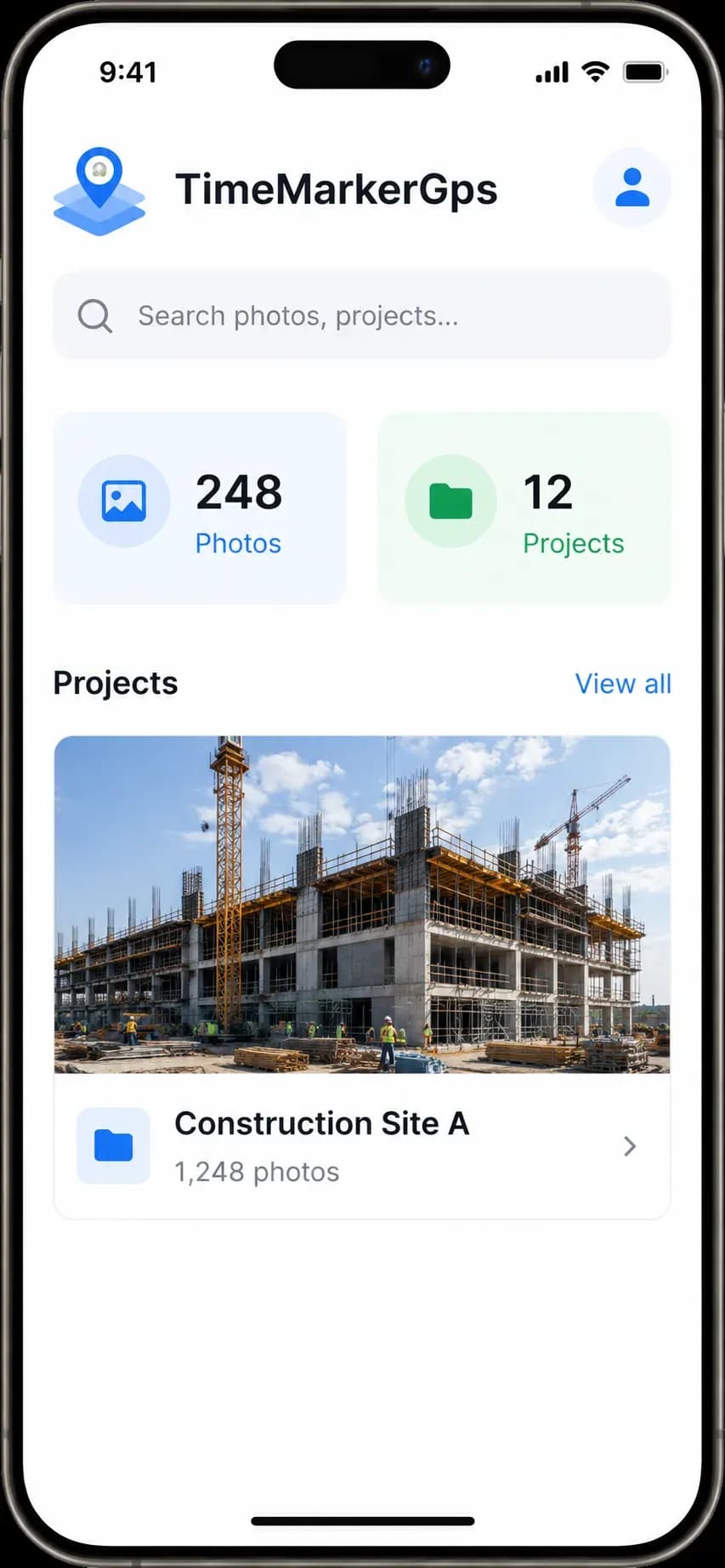
Find Photos in Seconds
SharePoint: Leans on users to tag or name files by hand, so pinpointing a specific photo is tough—especially across many projects with huge photo volumes.
TimeMarkerGps: Search photos easily thanks to consistent file naming built from timestamps, address, and project ID.