
Organize Field Photos Beyond General Cloud Storage
Google Drive is a general-purpose cloud storage product. TimeMarkerGps is designed for field-photo workflows and can associate supported records with available GPS, time, project, contributor, and note fields. Teams should compare current features, permissions, exports, offline behavior, and retention using a real project before choosing a platform.
Google Drive Stores Files. TimeMarkerGps Proves Work Was Done.

GPS-Stamped Photos That Never Lose Their Context
Google Drive: When photos are moved, renamed, or downloaded, the original timestamp and GPS data are stripped away — leaving you with files that could have been taken anywhere, at any time.
TimeMarkerGps: Every photo carries its full context permanently — date, time, GPS coordinates, project name, team member, and custom notes are burned directly into the image at the moment of capture. Nothing is lost, no matter how many times the file is shared or moved.
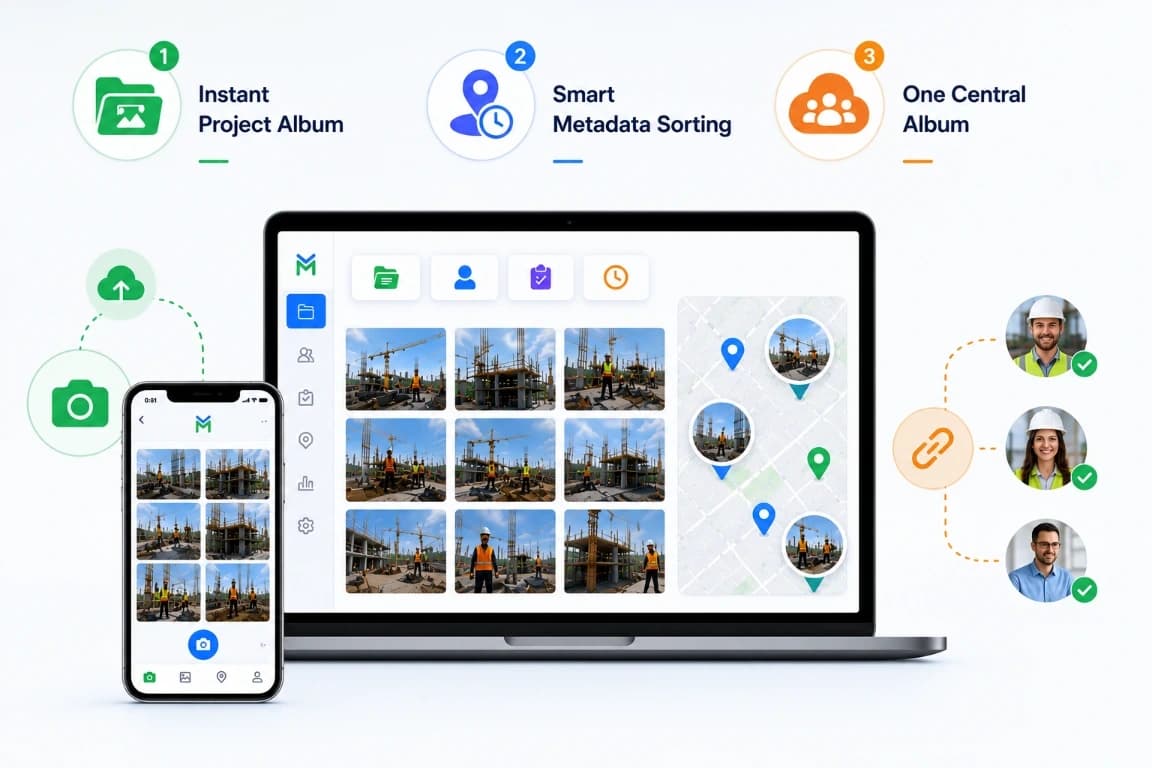
Photos That Organise Themselves — No Manual Work Required
Google Drive: With multiple team members uploading photos, folders quickly become a mess of inconsistent names, wrong locations, and duplicate files. Finding the right photo means digging through hundreds of unsorted images.
TimeMarkerGps: Photos sort themselves automatically the moment they are captured — routed to the correct project folder under the right team member, with consistent naming applied across the entire team. No manual work, no confusion, no searching.

Test the Workflow From Site Capture to Client Review
General cloud storage often requires a separate process to organize project photos and prepare client updates. With TimeMarkerGps, select representative records and test the current reporting and delivery workflow. Measure processing time, required fields, formatting, image quality, and recipient access on your actual project before setting expectations.