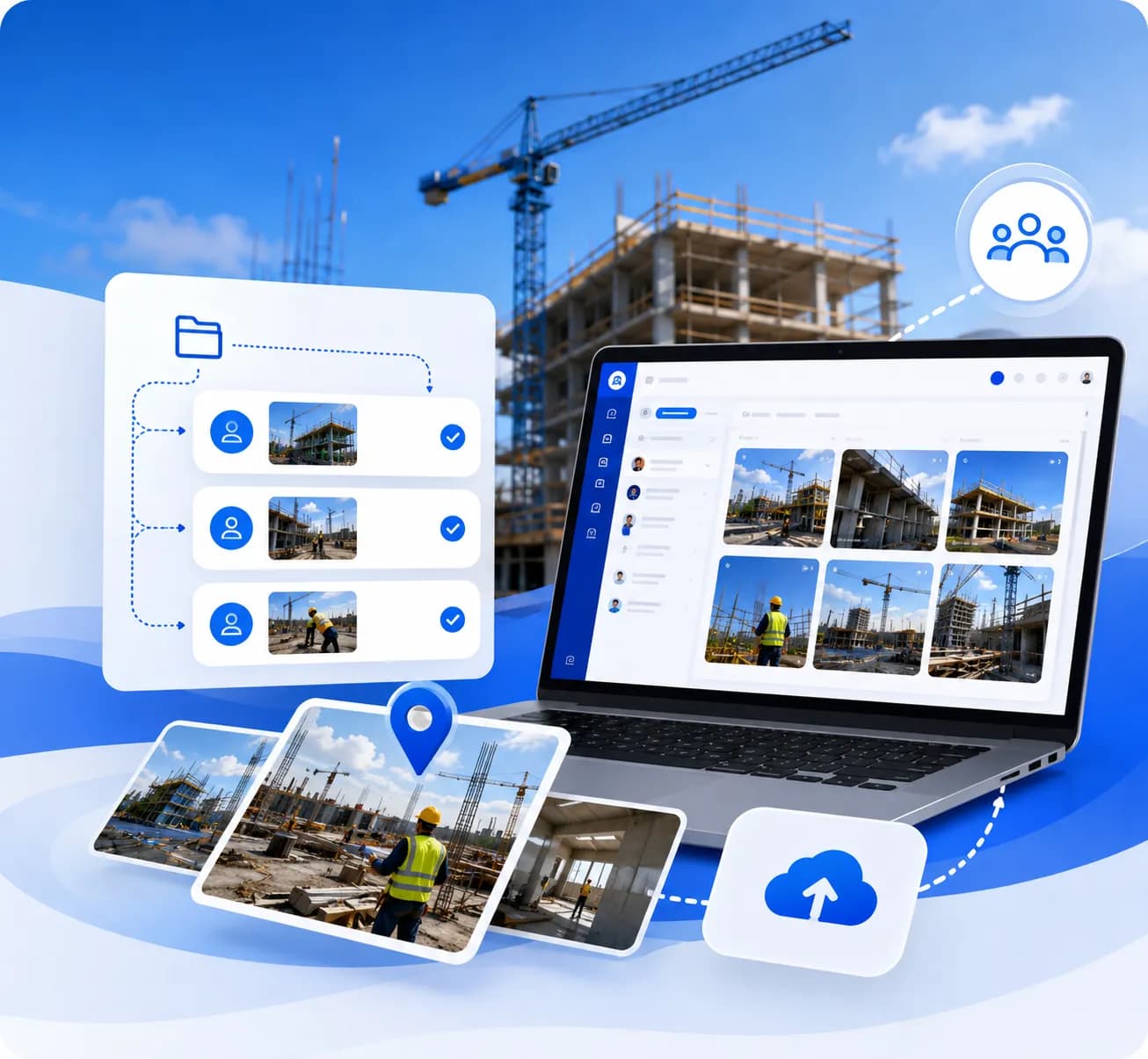



Timemark Camera vs. Sitecam

Best SiteCam alternatives, Timemark syncs offline photos fast, lets you share via links, and centralizes photos. Save time for contractors, site engineers, and more.

Trusted by 3.7M field pros and teams from

logo
logo
logo
logo
logo
logo
logo
logo
logo
logo
logo

Why Is Managing Field Photos So Hard?

Looking for the best SiteCam alternatives?

Is your camera roll full of construction photos with
no way to tell which project they’re for?

Do you manually add timestamps because your tool won’t do it?

When a client asks for proof of work, do you hunt through old emails to find the right shot?

This isn’t just slow—it’s taking time away from the work you actually want to do.

Your photo management shouldn’t be this painful.

Why Is Managing Field Photos So Hard?

Which Tool Fits Your Field Work?

Aspects

Timemark

Sitecam

Other Tools

Ease of Use

No training needed. You can start in 5 minutes

Simple, but needs basic learning

Often has complex menusTakes site photos without Wi-Fi, syncs later

Offline Mode

Takes site photos without Wi-Fi, syncs later

Same offline photo capture plus faster sync

May not have offline mode and sync can be slow

Photo Evidence

Adds timestamps & GPS

Tamper-proof photos + timestamps

Basic timestamps, but no tamper protection

Report Creation

Makes PDF or URL reports in minutes

Makes PDF, Excel, KMZ reports, and share via links

Only supports 1-2 report types; hard to customizeSyncs photos to the cloud

Team Collaboration

Syncs photos to the cloud

Cloud sync and organize by project / member

Manual folder setup; limited team sharing

Ease of Use

Focuses mostly on construction teams

For contractors, telecom , inspection, field service, etc.

Too broad (e.g., Procore) or too narrow

Star Icon

Star Icon

Star Icon

Star Icon

Star Icon


Tom, Telecom Contractor


"I work in remote areas, so offline mode is a must. SiteCam sometimes lost my offline photos, but Timemark never does. And it auto-organizes photos by project。 No more manually moving files. I save at least 3 hours a week!"

Star Icon

Star Icon

Star Icon

Star Icon

Star Icon


Peter, Security Company Manager


"Our guards take tons of site photos, and emailing them was a disaster. Timemark auto-sorts photos by member and project. The shareable links let clients see updates fast, too."

Star Icon

Star Icon

Star Icon

Star Icon

Star Icon


Wade, Building Inspector


"SiteCam was okay, but I hated manually adding details. As one of the best SiteCam alternatives, Timemark auto-tags every shot with timestamps and GPS. My crew uploads photos on-site, and I can check them from my desk. It cut my admin time in half!"

Use Cases

Every field pro has unique photo headaches. Timemark fixes the ones that matter most to you.

For Contractors

For Contractors

As one of the best SiteCam alternatives, Timemark auto-organizes your multiple projects and site photos by job and team member, so you skip searching emails or phones. It also works offline for remote sites and shares progress via a 1-click link.

For Land Surveyors

For Land Surveyors

As one of the best SiteCam alternatives, Timemark automatically adds precise GPS and timestamps, plus a map view to see exactly where shots were taken. Create PDF or Excel reports in minutes for clients or inspectors—no manual tagging needed.

Field Service Teams

Field Service Teams

As one of the best SiteCam alternatives, Timemark lets you snap a photo, tag it to a project, and move on. It auto-collects team photos so you won’t chase anyone, and shows customers "before-and-after" results in seconds.

Which Tool Gives You the Most for Your Dollar?

Solution

Pricing Model

Starting Price

“Hidden Savings” (That Other Tools Don’t Offer)

Timemark

Per user, per month

Free plan available; Business - $5/user/month

Auto-sorts photos by project/member; Offline mode that never loses shots; Tamper-proof proof of work

Sitecam

Per user, per month

Free plan ; Pro - $29/user/month

Basic GPS/timestamps, but no auto-organization; Only 2 report types; No tamper protection

CrewCam

Per user, per month

$39/month (for 2 users)

Photo-focused, but no Excel/KMZ reports; No auto-sorting by project; Sync can be slow

CompanyCam

Per user, per month

$99/month (for 3 users)

Unlimited storage, but no auto-organization; No KMZ reports; No offline sync

Frequently Asked Questions

Ready to Switch to the Best SiteCam Alternative? Start Free Today!

Create your free Timemark team now. Get GPS/timestamps for every photo, centralized storage, and simplify how you do photo documentation.

TimemarkerGPS vs SiteCame | Timemarker GPS