
Deliver Field Reports in 1 Minute
Turn your job photos and notes into professional reports in just a few clicks. Save hours of manual work and clear the clutter from your inbox.

Designed for Clearer Field Reporting



Are You Facing These Problems?
Do These Challenges Sound Familiar?
Delayed Reporting
Compiling job photos and notes by hand takes hours — slowing your workflow, delaying decisions, and holding up urgent fixes.
Disorganized Documentation
Inconsistent, unstructured reports are hard to read, make progress tough to track, and bury the information that matters.
Human Errors
Manual reporting invites mismatched details, missing data, and mistakes that chip away at accuracy and accountability.
Designed for Clearer Field Reporting

Share Photos with a Single Link
• Share by Link: Send any number of photos to clients with a simple link that opens instantly — no login, no downloads.
• Works Anywhere: Share photo links on any device and any platform, with no limits.
• Permanent Access: Links never expire, so shared photos stay easy to revisit, track, and organize over time.

Create Structured Photo Reports
• Report workflow: Select project photos and review the report options available in the current product.
• Photo context: Confirm which project, contributor, time, location, and note fields appear in the output.
• Quality check: Generate a sample and inspect layout, image quality, branding, and recipient access before client delivery.
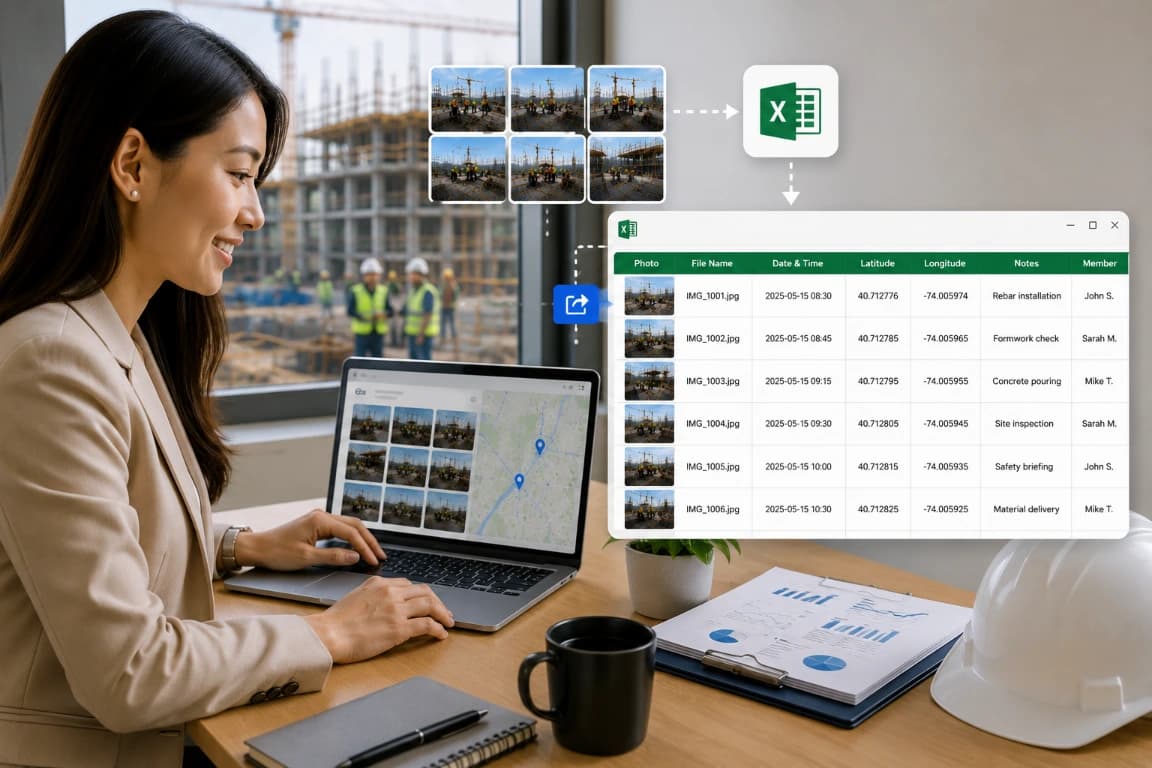
Review Photo Data in a Structured Output
• Data review: Check which tabular or structured outputs are available in the current version.
• Field selection: Confirm that required project, contributor, time, location, and note fields are included.
• Pilot first: Test a small project before adopting the output for analysis or client delivery.
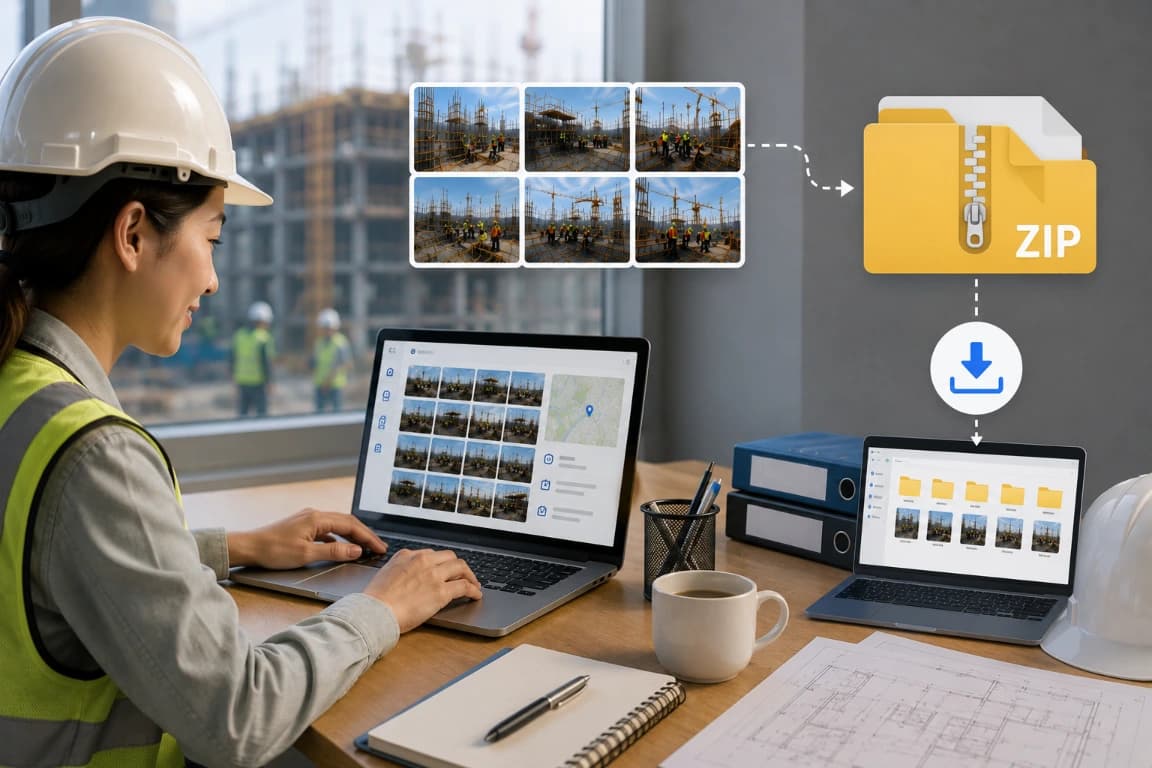
More Reporting Options
• Bulk download: Test how the current mobile and web versions package selected photos.
• File quality: Confirm image resolution, metadata retention, naming, limits, and recovery behavior before using bulk delivery on a large project.
How Teams Use the Platform
★★★★★
Site Supervisor
“Field updates are easier to manage now. Photos stay organized with project context, helping our team review progress faster.”
★★★★★
Project Coordinator
“We no longer spend time collecting photos from different channels. Everything stays connected and accessible in one workspace.”
★★★★★
Operations Manager
“Capturing and reviewing project records has become more consistent. Teams can document work and stay aligned throughout execution.”