
The Smartest Way to Share Photos With a Group at Work
a practical way to share photos with a group: TimeMarkerGps auto-collects, organizes, and securely stores every shot — a practical app for professional work documentation.

Designed for Project Photo Sharing
Built to help field teams capture, organize, review, and share project photo records from one workspace.



Where It Solves Your Pain Points
See how TimeMarkerGps takes the pain out of collecting and organizing your team's photos

Automatic GPS Location Tags
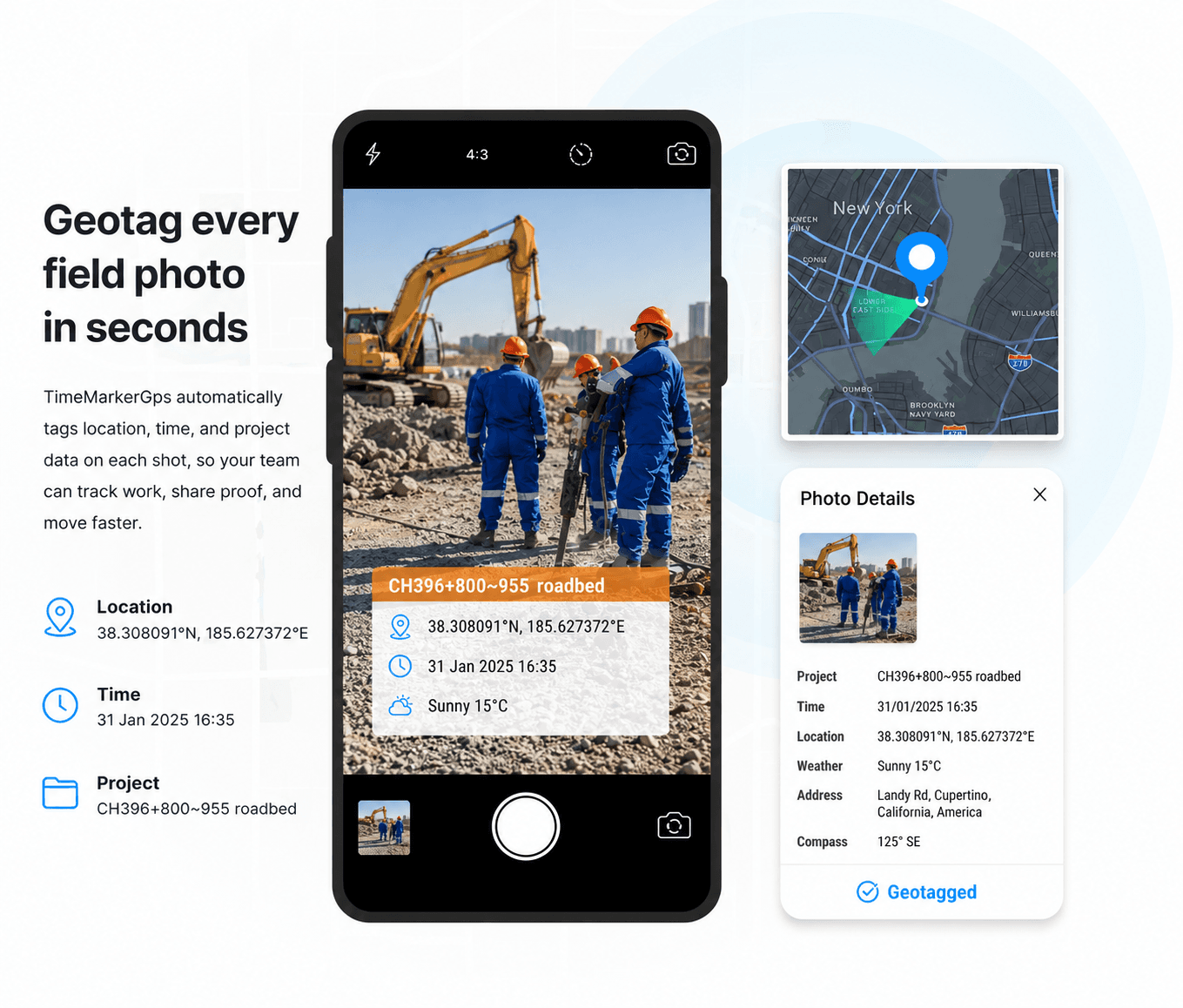
TimeMarkerGps automatically stamps GPS tags onto every field photo, so there's no jotting down where each shot was taken. As a practical way to share photos with a group, it hands clients and teams trusted, pinpoint location data for jobs like site checks and repairs — accurate documentation with none of the manual tracking.
Notes Right on Your Photos
TimeMarkerGps lets you attach job descriptions and notes to photos, clearing up the mess of disorganized team docs. As a practical way to share photos with a group, it makes sure your team and clients always grasp the task behind every photo — no more confusion.

Share in a Single Click
TimeMarkerGps can organize group work photos with available project and contributor context. Test the current report, download, and sharing methods with a representative project, then verify required fields, branding, image quality, recipient access, and processing time.
Fun Fact: The Fastest Way to Share Group Photos
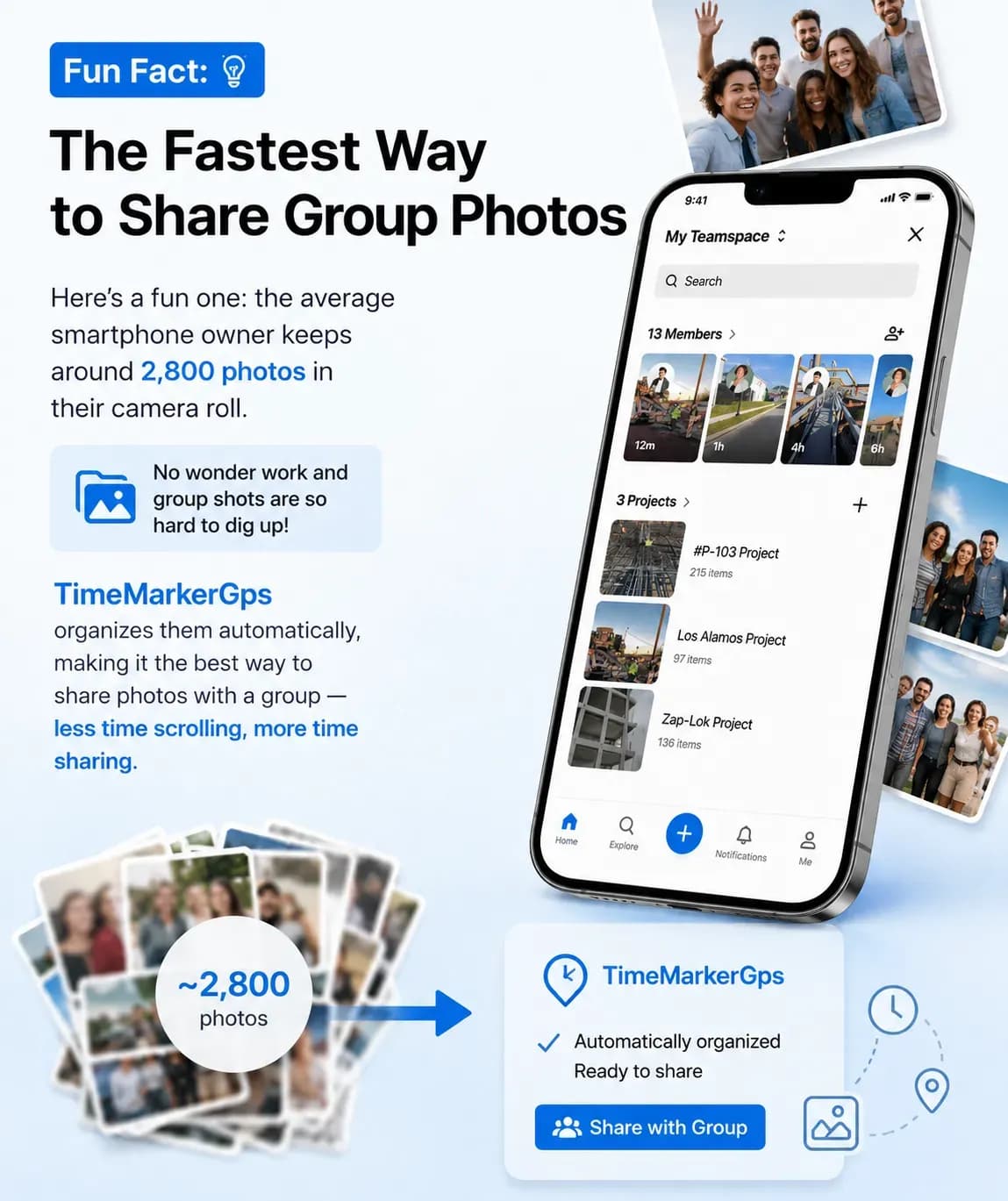
Here's a fun one: the average smartphone owner keeps around 2,800 photos in their camera roll. No wonder work and group shots are so hard to dig up! TimeMarkerGps organizes them automatically, making it a practical way to share photos with a group — less time scrolling, more time sharing.
Workflow Review Checklists
Use these checks as a starting point, then adapt them to your team’s process, permissions, and reporting requirements.
Project link review
Review the relevant project records, confirm that required context is present, and document any follow-up before sharing or exporting.
Photo context check
Review the relevant project records, confirm that required context is present, and document any follow-up before sharing or exporting.
Recipient access
Review the relevant project records, confirm that required context is present, and document any follow-up before sharing or exporting.
Sensitive-photo review
Review the relevant project records, confirm that required context is present, and document any follow-up before sharing or exporting.
Export selection
Review the relevant project records, confirm that required context is present, and document any follow-up before sharing or exporting.
Follow-up update
Review the relevant project records, confirm that required context is present, and document any follow-up before sharing or exporting.
Photo Sharing: Common Questions
Absolutely. TimeMarkerGps lets you build photo collections (by project or event) and share them through a simple link — no app download needed on their end. The link gives secure view access, and you decide who can see each collection to keep work private.
Step 1: Create a team and project in TimeMarkerGps.
Step 2: Team members shoot photos on-site, and TimeMarkerGps auto-collects them.
Step 3: It sorts photos by project and member automatically.
Step 4: Use gallery, sheet, or map views to find shots fast, so no more manual sorting or emailing files.
Definitely. Large teams use TimeMarkerGps to auto-collect photos from many field workers, tag them with GPS for site locations, and add project notes. Everything stays in one secure, organized space, so reviewing progress or sharing updates with clients is simple.
TimeMarkerGps is built specifically for professional work, unlike Google Photos (made for consumers) or Dropbox (general file storage). It packs B2B features like auto-GPS tagging, company watermarks, and work notes that solve the documentation needs other apps overlook.
It depends on your plan. The Free and Pro plans include a basic limit of 100 photos, while the Business plan adds far more cloud storage—up to 300,000 photos.
Not at all. TimeMarkerGps is made to be easy for anyone. Uploading, sharing, and organizing photos all use simple controls, so no photography skills required.
Start Sharing Group Photos the Smart Way
Sign up for TimeMarkerGps free, set up your team, and put an end to messy photo sharing at work